1
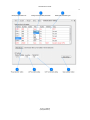
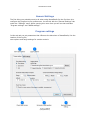
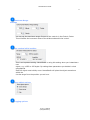
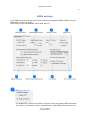
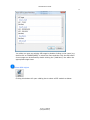
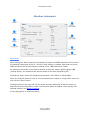
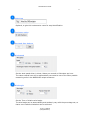
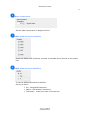
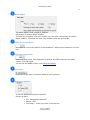
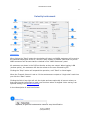
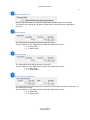
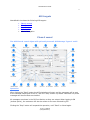
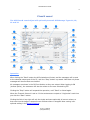
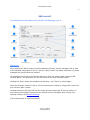
NemaStudio User Guide 69 Link own vessel to GPS Vessel position, Course and speed can optionally be taken from a selected active GPS instrument. When the checkbox is checked a dropdown control will open, showing all available active GPS instruments. Select the GPS required and the navigation data will be taken from the linked GPS instrument. This can be very convenient when this GPS is set up to sailing an automatic route. Course own vessel Course of own vessel. Can be set manually with the up/down controls or taken from a linked GPS. Own speed Speed own vessel. Can be set manually with the up/down controls or taken from a linked GPS. Sentence identifier To set the NMEA0183 sentence identifier. Set this to either $II - Integrated Instrument Native - $RA, radar Proprietary - create your own in the text box © 2011, Sailsoft ([email protected])