1
RADview/TDM DXC-4 User’s Manual
Chapter 2 Fault Management
2.5 Channel Level – Diagnostics Menu
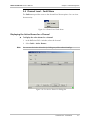
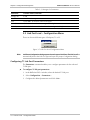
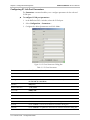
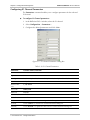
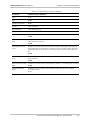
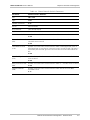
The Diagnostics menu provides access to the channel level diagnostic test options.
Figure 2-10. Channel Level Diagnostics Menu
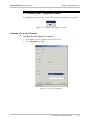
Running a Test on a Channel
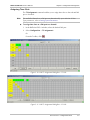
To display the active alarms for a channel:
1. In the RADview DXC-4 window, select the channel.
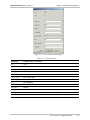
2. Select Diagnostics > Test...
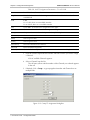
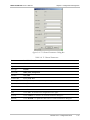
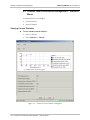
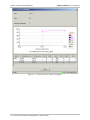
Figure 2-11. Port Test Dialog Box
Channel Level – Diagnostics Menu
2-9