1
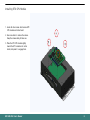
Installing
2.5" Hard Disk Drive
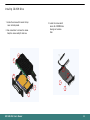
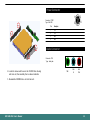
4. Unscrew the screws which secure the HDD
and housing.
1. Locate the screws on the
bottom of main unit which
secure the HDD housing.
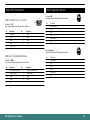
5. Put the HDD on housing.
6. Put the HDD module back to the system and
screw it on.
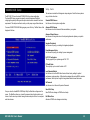
2. Use screw driver to
remove the screws. Keep
the screws safely for later
use.
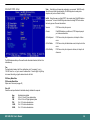
3. Disengage the housing of
hard disk drive.
BPC-300-7012 User's Manual
10