1
Chapter 4: Quick Setup Tutorial
4. Quick Setup Tutorial
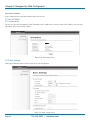
4.1 Access the Web Configurator
The Wireless Ethernet Extender provides you with user-friendly Web-based management interface to easily manage the access
point.
•C
onfigure the computer with a static IP address of 192.168.1.x, as the default IP address of the VAC Access Point is 192.168.1.1.
(X cannot be 0, 1, or 255);
•O
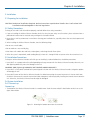
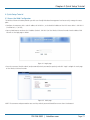
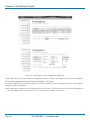
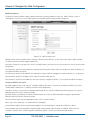
pen a Web browser and enter the IP address (Default: 192.168.1.1) of the Wireless Ethernet Extender into the address field.
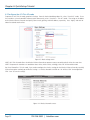
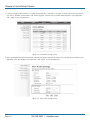
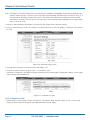
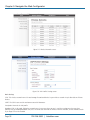
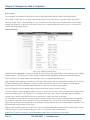
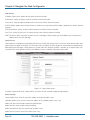
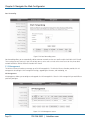
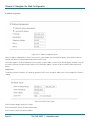
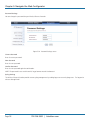
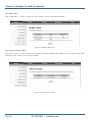
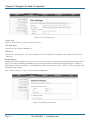
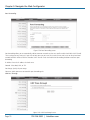
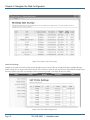
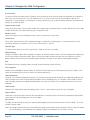
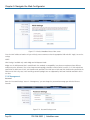
You will see the login page as below.
Figure 4-1. Login page.
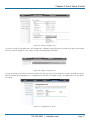
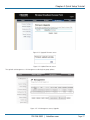
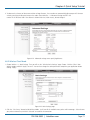
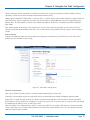
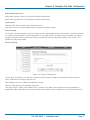
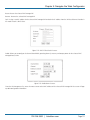
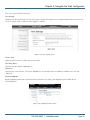
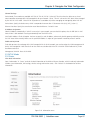
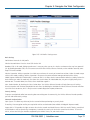
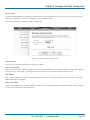
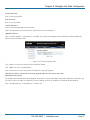
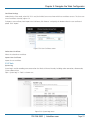
• E nter the username (Default: admin) and password (Default: password) respectively and click “Login” to login the main page
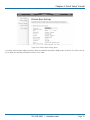
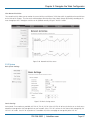
of the Wireless Ethernet Extender.
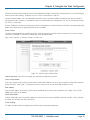
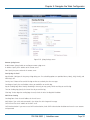
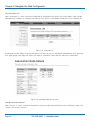
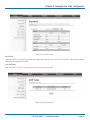
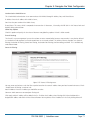
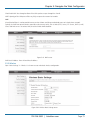
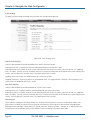
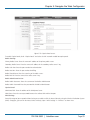
Figure 4-2. Main page.
NOTE: The username and password are case-sensitive, and the password should be no more than 19 characters!
724-746-5500 | blackbox.com
Page 21