1
Chapter 5: Navigate the Web Configurator
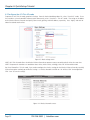
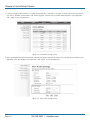
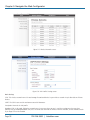
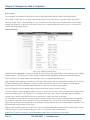
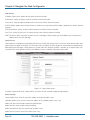
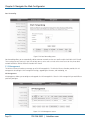
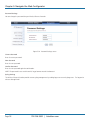
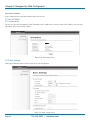
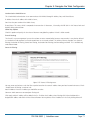
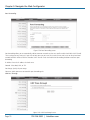
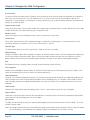
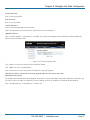
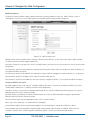
Restart: Restart the selected VAC-managed AP.
Rename: Rename the selected VAC-managed AP.
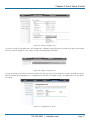
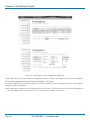
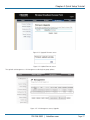
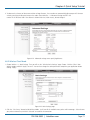
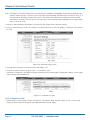
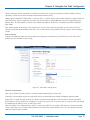
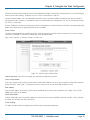
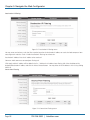
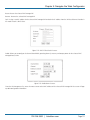
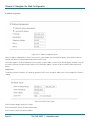
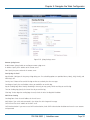
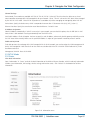
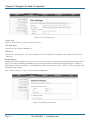
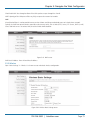
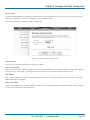
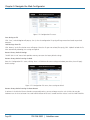
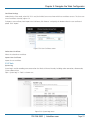
Set IP: Assign a static IP address for the selected VAC-managed AP or obtain the IP address from the Wireless Ethernet Extender in
AC mode. Default is DHCP client.
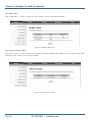
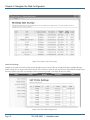
Figure 5-22. DHCP Client/Static IP screen.
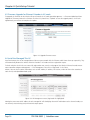
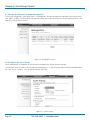
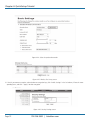
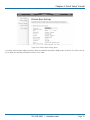
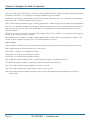
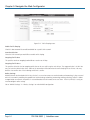
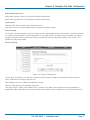
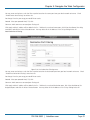
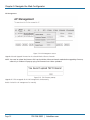
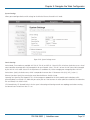
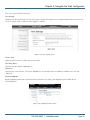
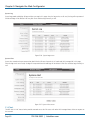
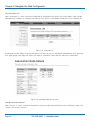
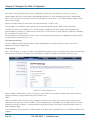
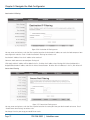
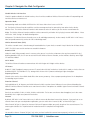
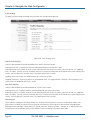
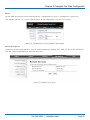
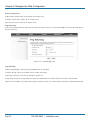
Radio: Allows you to configure the channel bandwidth, operating channel, antenna, and output power for the selected VACmanaged Access Point.
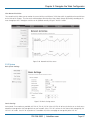
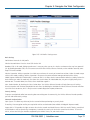
Figure 5-23. Radio channel screen.
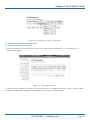
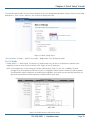
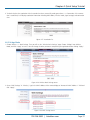
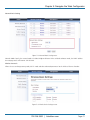
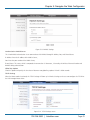
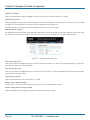
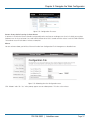
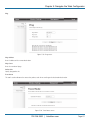
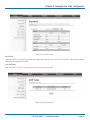
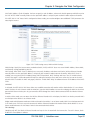
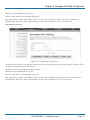
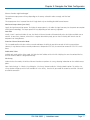
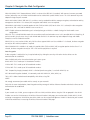
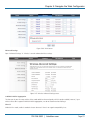
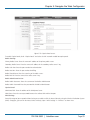
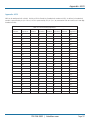
From the AP Management list, move the mouse cursor to the MAC address of the selected VAC-managed AP the screen will pop
up radio configuration information.
724-746-5500 | blackbox.com
Page 51