1
ScienceDirect User Manual - Version 2.1
Searching Notes
Searchable Fields
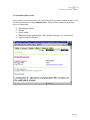
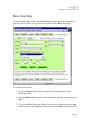
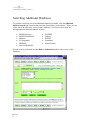
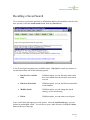
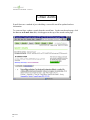
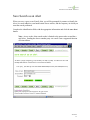
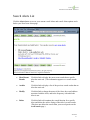
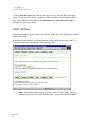
The following bibliographic data fields can be searched in ScienceDirect:
•
Abstract, Title, Keywords (default selection in the Basic form) - includes
abstract, title, author keywords and publisher’s index terms.
•
Abstract - the full-text of the article’s abstract.
•
Authors - the names of all authors, including collaborations.
•
Affiliation - the institutional affiliation of the article’s authors.
•
Keywords - the author keywords and publisher’s index terms.
•
References - the bibliographic reference list of the article.
•
Appendices - the material appended to the end of the article.
•
Title - both the English and the non-English article titles.
•
Journal Name - the title of the source journal.
•
ISSN - the International Standard Serial Number for the journal.
•
Full Text - the full text of the article, excluding the reference list.
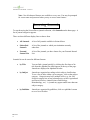
Note: Each of the additional databases has specific fields pertaining to the type of
subject matter and the source material in that database. The specific field names and
descriptions can be reviewed online in the search tips for each specific database.
June 2000
48
48