1
Appendix A
MMI Function Reference
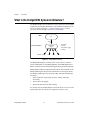
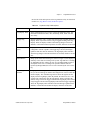
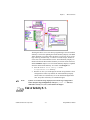
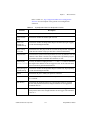
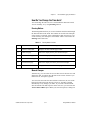
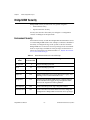
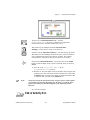
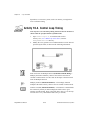
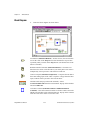
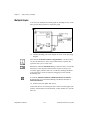
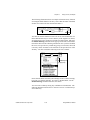
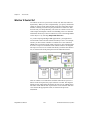
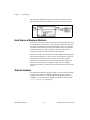
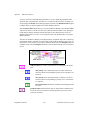
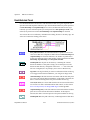
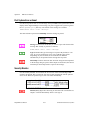
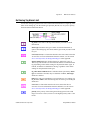
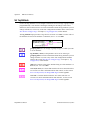
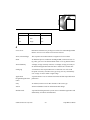
tag status can be broken down into status information from
BridgeVIEW (Engine or Server); and status information from a server
or a user error.
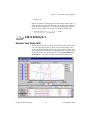
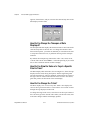
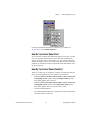
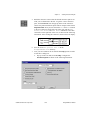
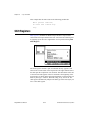
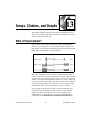
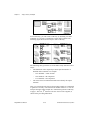
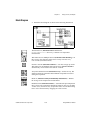
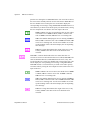
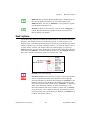
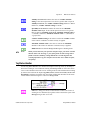
type of dialog (OK msg:1) determines what type of dialog box is
displayed, if any. Regardless of its value, the VI returns error
information and a message describing the error. According to the value,
the VI does one of the following:
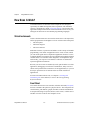
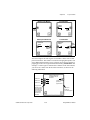
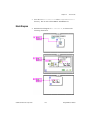
•
Displays no dialog box. This is useful if you want to have
programmatic control over how an error is handled.
•
Displays a dialog box with a single OK button. After the user
responds, the VI returns control to the main VI. This is the default
setting.
•
Displays a dialog box with buttons allowing the user to continue or
stop. If the user cancels, the VI calls the Stop function to halt
execution.
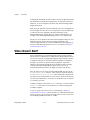
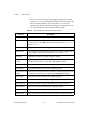
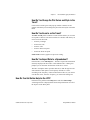
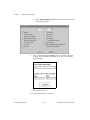
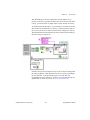
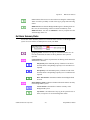
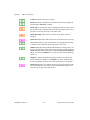
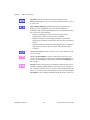
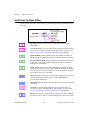
server error codes is an array of numeric error codes defined for your
device server(s).
server error descriptions is an array of descriptions of server error
codes. If an incoming error matches one in server error codes, the VI
uses the corresponding description from server error descriptions in
the message.
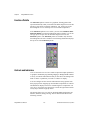
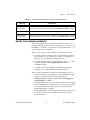
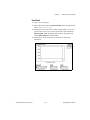
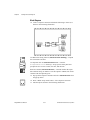
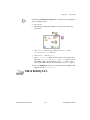
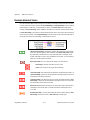
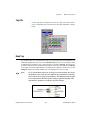
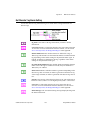
message describes the tag status by breaking it down into the error or
warning returned by BridgeVIEW as well as the error or warning, if
any, returned by the device server. The part of the message describing
the server error code comes from the input you specify in server error
descriptions. It also contains information about the source of the error.
BridgeVIEW User Manual
A-34
© National Instruments Corporation