1
Appendix A
MMI Function Reference
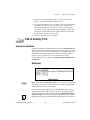
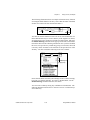
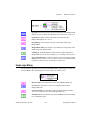
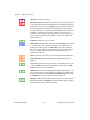
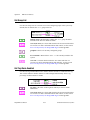
changed? is TRUE when Read Tag (discrete) returns a new value from
the Real-Time Database. If changed? is FALSE, Read Tag (discrete)
probably timed out before the tag value was updated.
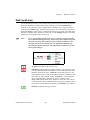
Read Tag (string)
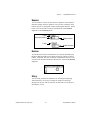
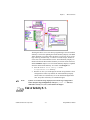
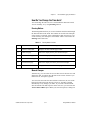
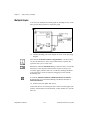
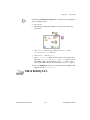
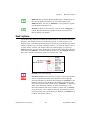
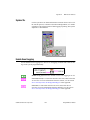
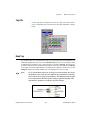
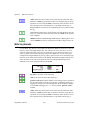
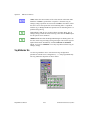
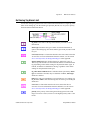
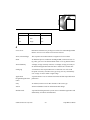
Use the Read Tag (string) VI to read the latest value for the tag from the Real-Time
Database. If timeout is 0, Read Tag (string) VI returns the current Tag value and update
timestamp from the Real-Time Database, otherwise the Read Tag (string) VI waits up to
the specified timeout for the tag to be updated in the Real-Time Database, and returns the
new value.
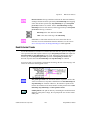
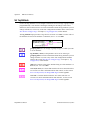
Note:
Use a separate Read Tag (string) VI for each tag you want to monitor. Do
not put the Read Tag (string) VI in a loop to read a different tag each
iteration of the loop. This results in slower program performance. The
Read Tag(string) VI is designed to save information about the tag
internally for efficient operation. This information is updated every time
the tag name changes.
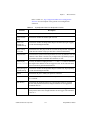
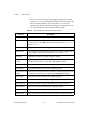
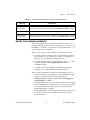
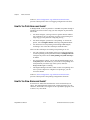
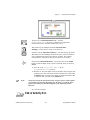
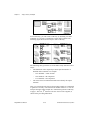
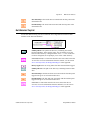
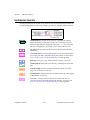
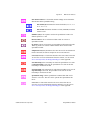
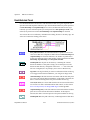
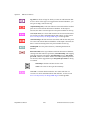
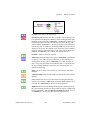
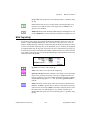
tag name is the name of the tag.
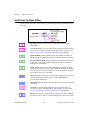
timeout (secs) (0) specifies how many seconds to wait for the tag value
to be updated in the Real-Time Database before reading the Real-Time
Database for the latest value. If timeout is the default value of 0, the
Read Tag (string) VI reads the Real-Time Database immediately and
returns the tag value without waiting. If timeout is –1, Read Tag (string)
waits indefinitely until the tag value is updated, or the Real-Time
Database shuts down, whichever occurs first. If a timeout occurs before
the value is updated, Read Tag (string) returns the most recent value
from the Real-Time Database, and timeout is set to TRUE.
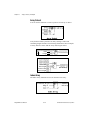
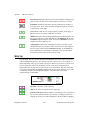
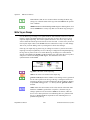
in alarm is TRUE if the tag is in alarm.
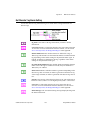
value status returns the status of the value. If value status is greater than
or equal to 0, the value returned by Read Tag is valid and there is a
BridgeVIEW User Manual
A-40
© National Instruments Corporation