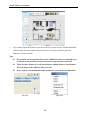
1
InteriCAD Lite user manual
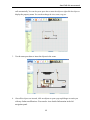
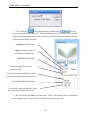
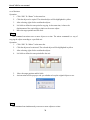
a.
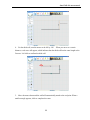
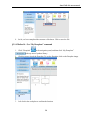
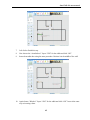
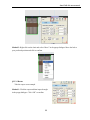
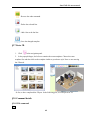
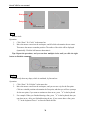
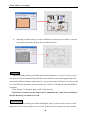
Click
to define the position of the dimension.
b.
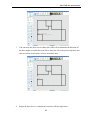
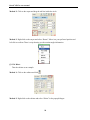
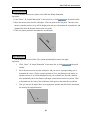
Click
and move the mouse to define the first point.
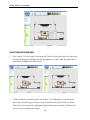
c.
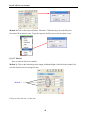
Click
and move the mouse to define the second point.
d.
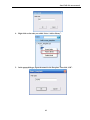
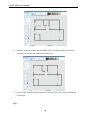
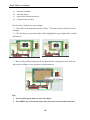
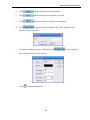
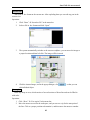
Click
and input the data in the blank. Click “OK” and the previous
dimension will be replaced.
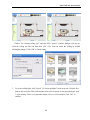
e.
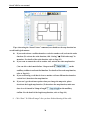
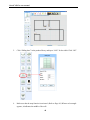
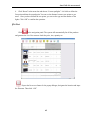
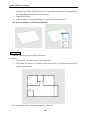
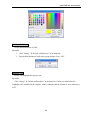
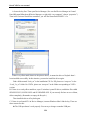
If you want to change the style of dimension, click
font, color, height, arrow style and so on.
f.
Click
to delete the dimension.
63
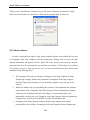
. You can change the