1
KDC200 User Manual
Vista and Windows 7
WARNING: DO NOT CONNECT KDC TO USB PORT PRIOR TO INSTALLATION
1. Insert KoamTac Installation CD into your computer’s CD drive.
2. Click Start icon then My Computer icon. A listing of devices on your computer will be displayed
including the disk drive containing the KoamTac Installation CD.
3. Click on the KoamTac Installation CD icon then click on the Setup directory. Click on the
PC_Setup.exe file which executes the KTSync Setup Wizard.
NOTES
•
If KTSync Setup Wizard locates an older version of KTSync on your computer, you will be
prompted to remove the older program before installing the new version. Select Remove
KTSync then click Finish. When removal is complete, click Close. Go to Step 2 to run KTSync
Setup Wizard.
•
If you have any problems, please refer to the Manual Installation section.
KTSync Setup Wizard
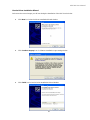
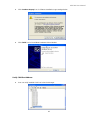
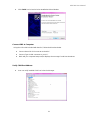
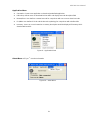
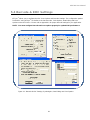
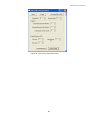
Below are the screen images you will see during the installation of KTSync.
z
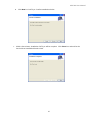
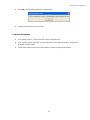
Click Next icon in KTSync Setup Wizard window
19