1
Basic Operations
u
r
.
e
d
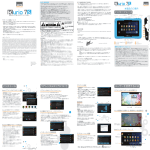
Power/Menu Button
Short press it to power the device on, long press it to power the device off. When any video signal is input, short press it to
access analog quantity setting in the menu.
V Button/ Analog Up
a
r
t
g
Short press it to switch repeatedly between AV and VGA signal sources, and when analog menu appears, press this button to
increase analog quantity.
Mode Button/ Analog Down
Short press it to adjust backlight brightness, and when the analog menu appears, press this button to reduce analog quantity.
b
30