1
Controlling the VS-44HC
7.4.1
Setting a Virtual Port
If the control application cannot work with an Ethernet driver, use the Kramer
Virtual port driver as follows:
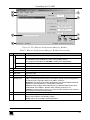
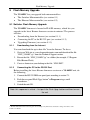
1. Run the Virtual Serial Port Manager Application.
The Virtual Serial Port Manager window appears (see Figure 12).
Figure 12: The Virtual Serial Port Manager Window
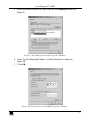
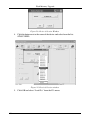
2. Press the Add VSP button to add a serial port and type the IP settings
according to the IP address and local port of your VS-44HC (see Figure 13).
Figure 13: The Virtual Serial Port Properties Window
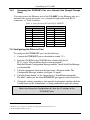
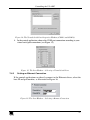
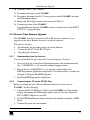
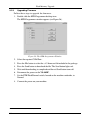
3. You can set a virtual port for each local port on your VS-44HC (see Figure
14).
20
KRAMER: SIMPLE CREATIVE TECHNOLOGY