1
JoomlaPack User Manual
Version 1.2
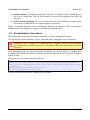
Make sure that any folders in common with your backup file, if they exist, are writable! This is only
required if you are restoring over an existing site.
11.3.3
The Kickstart wizard
In
order
to
launch
the
Kickstart
wizard,
you
simply
visit
the
http://www.example.com/mysitefolder/kickstart.php, replacing www.example.com with your server's
host name and mysitefolder with whatever folder you uploaded your files into.
For example, if you uploaded the files to a folder
www.mygreatsite.com,
location
to
put
in
http://www.mygreatsite.com/joomla/kickstart.php . If you
and the host name is www.mybigsite.com then the
http://www.mybigsite.com/kickstart.php.
named joomla and your host name is
your
browser's
address
bar
is
uploaded your files to the web server root
location in the address bar should be
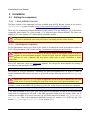
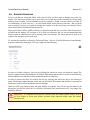
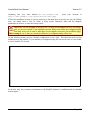
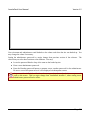
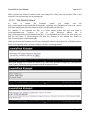
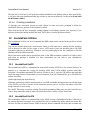
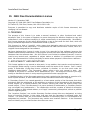
When you first launch Kickstart you will see a backup file selection drop-down list. If Kickstart detects
that it is incompatible with your server setup it will show a warning instead.
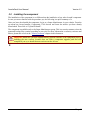
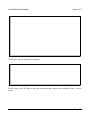
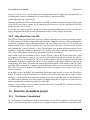
Select your backup file, or leave the default if you have only uploaded a single file. Then press the
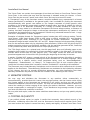
“Start” button. The screen will get updated with the extraction process.
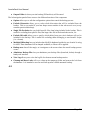
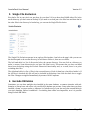
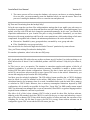
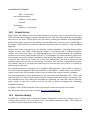
When Kickstart finishes the extraction of your backup file, the final wizard page appears.
Page 38