1
Chapter 34
Export To Other Formats
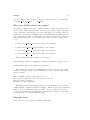
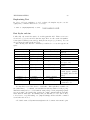
Strictly speaking, LaTeX source can be used to directly generate two formats:
• DVI using latex, the first one to be supported
• PDF using pdflatex, more recent
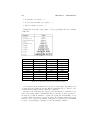
Using other software freely available on Internet, you can easily convert DVI and
PDF to other document formats. In particular, you can obtain the PostScript version
using software coming within your LaTeX distribution. Some LaTeX IDE will give you
the possibility to generate the PostScript version directly (even if it uses internally a
DVI mid-step, e.g. LaTeX — DVI — PS). It is also possible to create PDF from
DVI and vice versa. It doesn’t seem logical to create a file with two steps when you
can create it straight away, but some users might need it because, as you remember
from the first chapters, the format you can generate depends upon the formats of the
images you want to include (EPS for DVI, PNG and JPG for PDF). Here you will find
sections about different formats with description about how to get it.
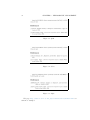
Other formats can be produced, such as RTF (which can be used in Microsoft
Word) and HTML. However, these documents are produced from software that parses
and interprets the LaTeX files, and do not implement all the features available for the
primary DVI and PDF outputs. Nonetheless, they do work, and can be crucial tools
for collaboration with colleague that do not edit documents with LaTeX.
Convert to PDF
DVI-> PDF
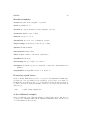
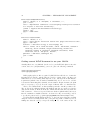
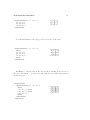
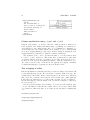
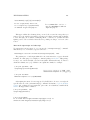
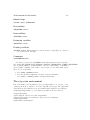
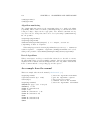
dvipdfm my_file.dvi will create my file.pdf. Another way is to pass through PS
generation:
dvi2ps myfile.dvi
ps2pdf myfile.ps
you will get also a file called my file.ps that you can delete.
261