1
PROBLEMS WITH BOOKMARKS
195
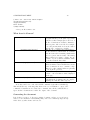
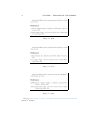
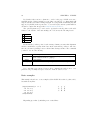
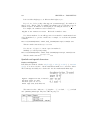
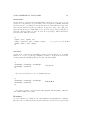
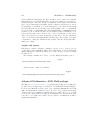
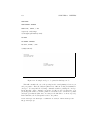
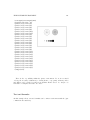
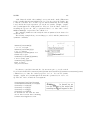
! pdfTeX warning (ext4): destination with the same
identifier (name{page.1}) has been already used,
duplicate ignored
appear when a counter gets reinitialized, for example by using the command
\mainmatter provided by the book document class. It resets the page number counter
to 1 prior to the first chapter of the book. But as the preface of the book also has a page
number 1 all links to “page 1” would not be unique anymore, hence the notice that “duplicate has been ignored.” The counter measure consists of putting plainpages=false
into the hyperref options. This unfortunately only helps with the page counter. An
even more radical solution is to use the option hypertexnames=false, but this will
cause the page links in the index to stop working.
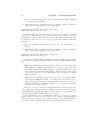
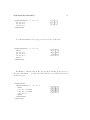
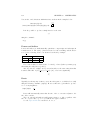
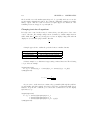
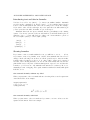
The best solution is to give each page a unique name by using the \pagenumbering
command:
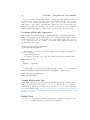
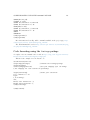
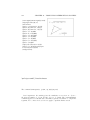
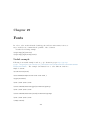
\pagenumbering{alph}
% a, b, c, ...
... titlepage, other front matter ...
\pagenumbering{roman}
% i, ii, iii, iv, ...
\setcounter{page}{1}
... table of contents, table of figures, ...
\pagenumbering{arabic} % 1, 2, 3, 4, ...
\setcounter{page}{1}
... beginning of the main matter (chapter 1) ...
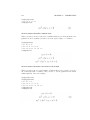
By changing the page numbering every time before the counter is reset, each page
gets a unique name. In this case, the pages would be numbered a, b, c, i, ii, iii, iv, v,
1, 2, 3, 4, 5, ...
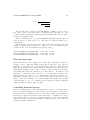
If you don’t want the page numbers to be visible (for example, during the front matter part), use \pagestyle{empty} ... \pagestyle{plain}. The important point
is that although the numbers are not visible, each page will have a unique name.
The problem can also occur with the algorithms package: because each algorithm
uses the same line-numbering scheme, the line identifiers for the second and follow-on
algorithms will be duplicates of the first.
Problems with Bookmarks
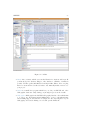
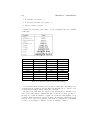
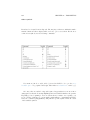
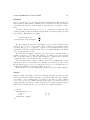
The text displayed by bookmarks does not always look like you expect it to look.
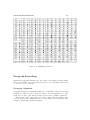
Because bookmarks are “just text”, much fewer characters are available for bookmarks
than for normal LATEX text. Hyperref will normally notice such problems and put
up a warning:
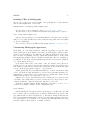
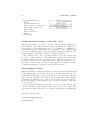
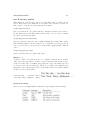
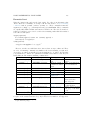
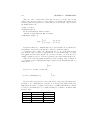
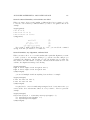
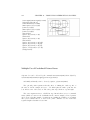
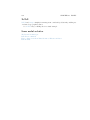
Package hyperref Warning:
Token not allowed in a PDFDocEncoded string:
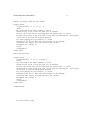
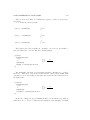
You can now work around this problem by providing a text string for the bookmarks, which replaces the offending text: