1
APPENDIX
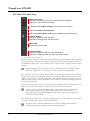
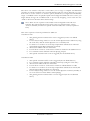
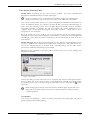
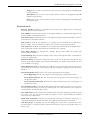
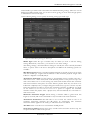
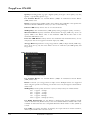
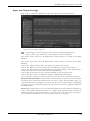
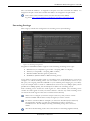
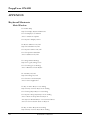
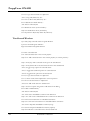
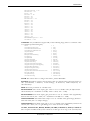
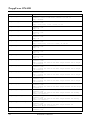
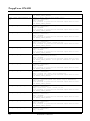
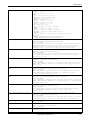
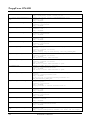
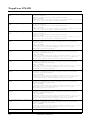
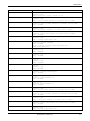
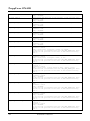
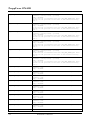
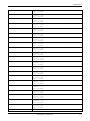
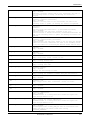
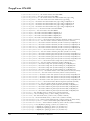
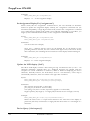
Shift+Ctrl+Delete: Physically deletes the selected tracks
Alt+Delete: Clear the entire Trackboard
Shift+Enter: Open Windows Explorer at Track-Location
Alt+2: Show Info for selected Tracks
Alt+3: Open TAG Editor for selected Tracks
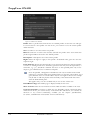
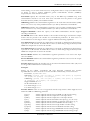
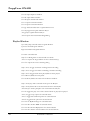
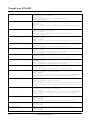
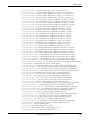
Drag: Move a Track to a player or move a selection inside the playlist
Drop: Add audio file(s) or a playlist file to the Trackboard.
Double-Click: Invokes the PFL Player for the selected Track.
Ctrl+Double-Click: Shows the embedded content for the selected Track.
Shift+Double-Click: Invoke the TAG Editor for the selected Track.
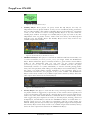
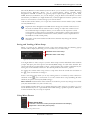
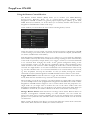
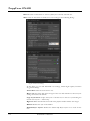
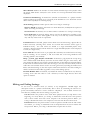
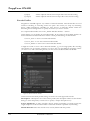
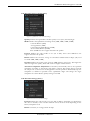
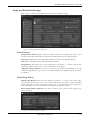
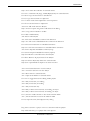
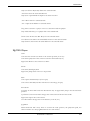
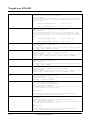
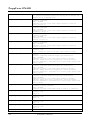
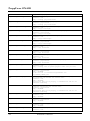
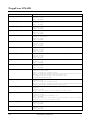
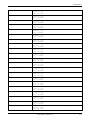
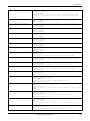
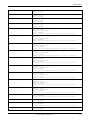
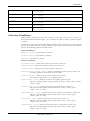
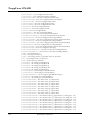
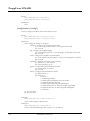
DJ/PFL Player:
CUE:
Click: Sets the current Cue-Point to the current position (if not set)
Click: Starts playback of the current Cue-Point until clicked (if set)
Right-Click: Removes the current Cue-Point
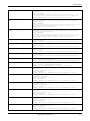
PLAY:
Click: Start/Holds playback
Right-Click: Jumps back to the Cue-In position
PFL:
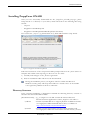
Click: Opens the PFL Player (if not open)
Click: Closes PFL Player Takes and takeover all settings (if open)
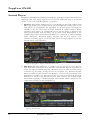
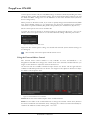
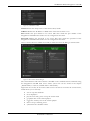
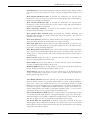
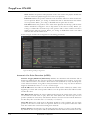
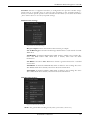
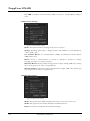
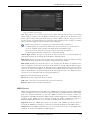
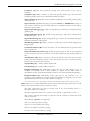
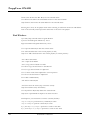
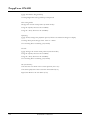
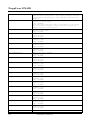
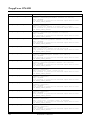
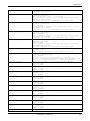
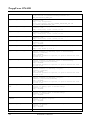
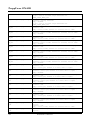
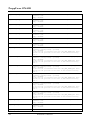
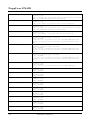
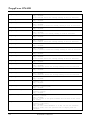
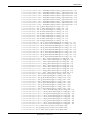
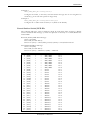
WaveForm:
Left-Click: In lower half: select the WaveForm only. In upper half: jump to the selected track
position.
Left-Double-Click: In lower half: changes the zoom between full and 10 seconds
Right-Click: Opens the context menu.
Ctrl+MouseWheel: changes the zoom distance (zoom in/out)
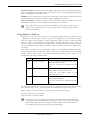
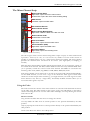
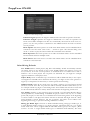
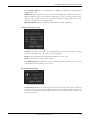
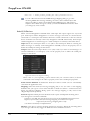
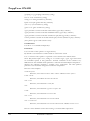
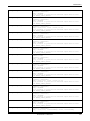
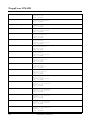
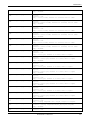
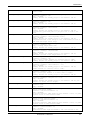
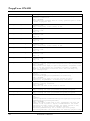
JogWheel:
Multi functional 360° rotary knob to control the track position, the playback speed, the
effect transition etc. The JogWheel allows two main modes:
RADIO42 Confidential
209