1
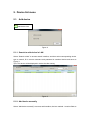
Figure 8
6. View Video and video setting menu
6.1. Play Video
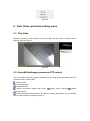
Select the camera you want to play in device list, right click “Play Video” or double click to
play the video as Figure 9.
Figure 9
6.2. Audio&Video/Image parameters/PTZ control
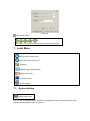
You can perform monitoring, talking, snapshot, record, image parameter setting and PTZ
control etc when viewing video.
Talking button;
monitoring button;
Snapshot button;
Record and status display (two mode:
scheduled record);
indicate record manually,
indicate
Image Parameters Setting button, the setting of image parameters may be different
due to camera model or series as Figure 10.