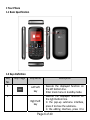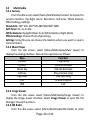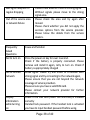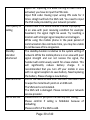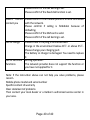
1
Key
No.
3
Key Image
Key Name
Send key
4
End key
5
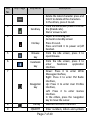
Browse
key
6
Facebook
key
Description
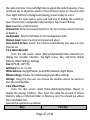
delete the latest character press and
hold it to delete all the characters.
In the others, press it to exit.
From the idle screen press it to enter
the [Dialed calls].
Dial or answer a call.
Reject an incoming call.
Go back to standby screen
Press it to exit.
Press and hold it to power on/off
handset.
From the idle screen, press it to
open Browse.
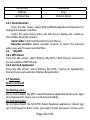
8
OK key
From the idle screen, press it to
enter
Facebook
application
interface.
Down: Press it to enter Write
Messages interface,
Right: Press it to enter FM Radio
interface ,
Up: Press it to enter User Profiles
interface,
Left: Press it to enter Games
interface.
In the others, press the navigation
key to move the cursor.
Execute the confirm function.
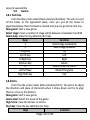
9
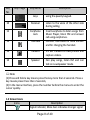
QWERTY
Enter numbers, letters and symbols
7
Navigation
key
Page 7 of 40