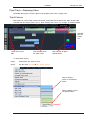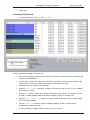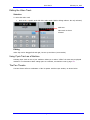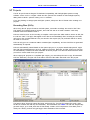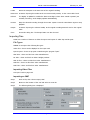
1
EDITING
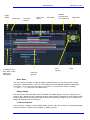
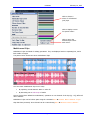
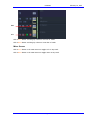
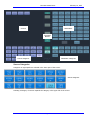
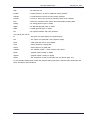
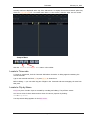
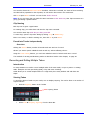
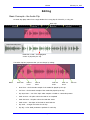
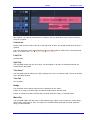
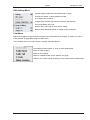
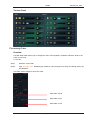
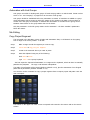
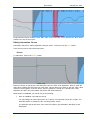
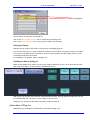
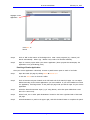
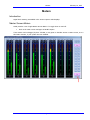
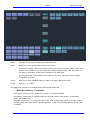
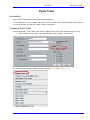
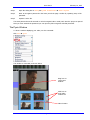
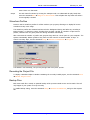
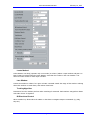
Range
Filter Type
Frequency
Gain
Q-Factor
February 14, 2013
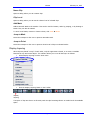
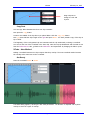
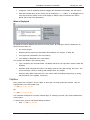
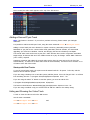
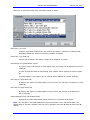
Enables
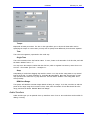
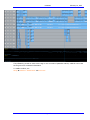
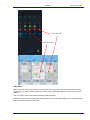
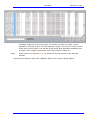
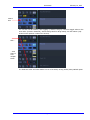
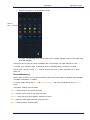
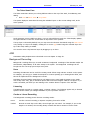
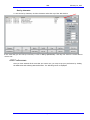
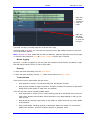
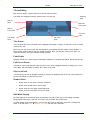
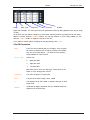
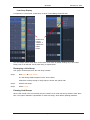
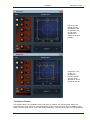
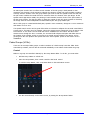
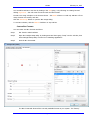
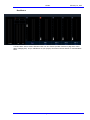
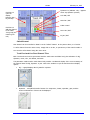
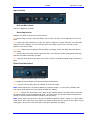
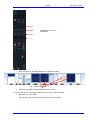
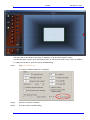
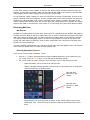
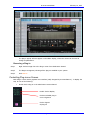
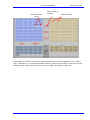
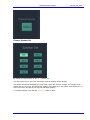
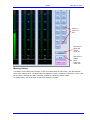
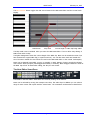
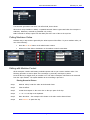
Right side of display. The value grid shows the parameters of the EQ being applied to the clip (or range
of clips).
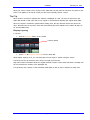
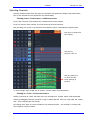
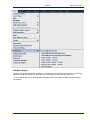
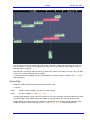
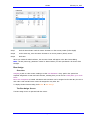
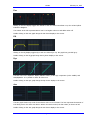
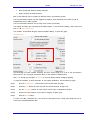
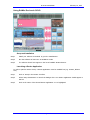
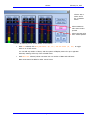
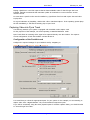
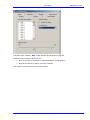
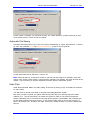
At any time you may A/B the changes you have made with the previous EQ setting for the clip being
edited. To do this, click the Old or New button. For any clip, whether or not it is being edited, you can
click the In or Out button to toggle its Clip EQ on and off.
If you want to escape without changing the Clip EQ settings, click Cancel.
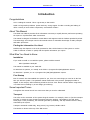
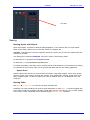
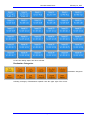
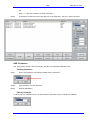
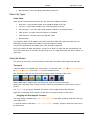
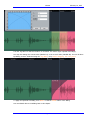
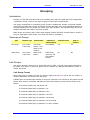
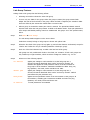
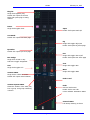
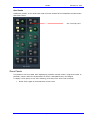
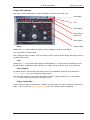
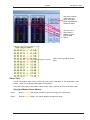
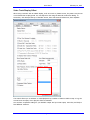
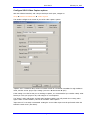
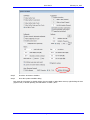
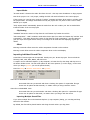
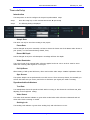
Clip EQ Parameters
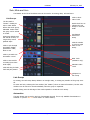
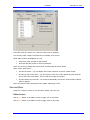
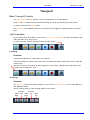
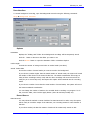
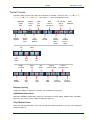
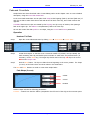
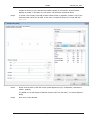
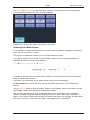
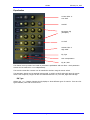
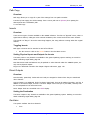
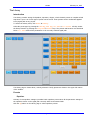
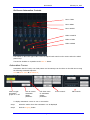
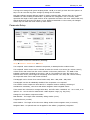
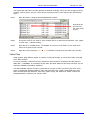
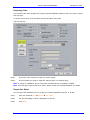
Band
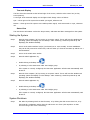
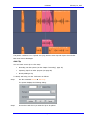
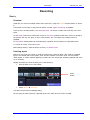
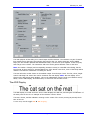
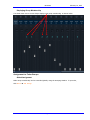
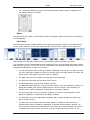
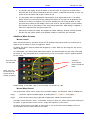
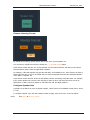
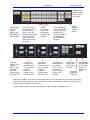
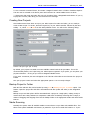
There are four EQ bands that you can apply. They are given
the names commonly used on mixing consoles, but actually
they are not in fixed ranges – you have the full frequency
range available on each of them.
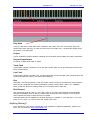
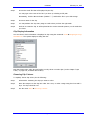
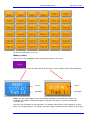
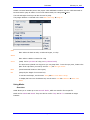
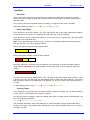
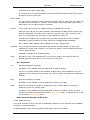
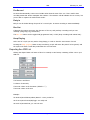
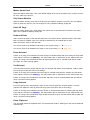
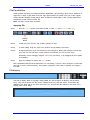
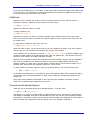
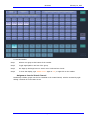
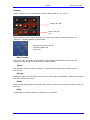
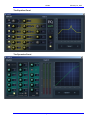
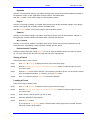
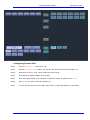
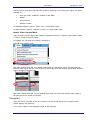
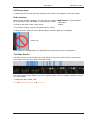
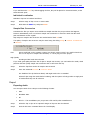
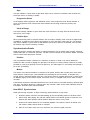
Filter Type
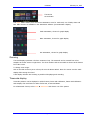
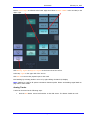
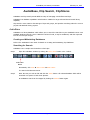
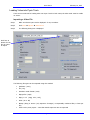
Choices are:
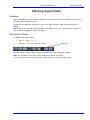
P
Band pass filter
>-
High pass filter
-<
Low pass filter
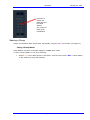
Each band can be set to any filter type. Mouse-click on the
button to cycle amongst the choices.
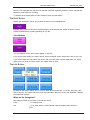
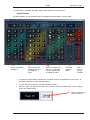
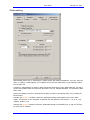
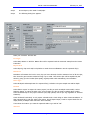
Frequency
The centre frequency of each band.
Gain
The gain of the band. Range -99 to +20dB.
Q
This displays the Q of the band or indicates the type of shelf.
Range 0-99.
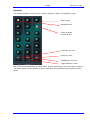
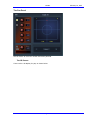
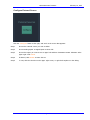
Enables
Used with the Apply command. Only the Enabled bands are
applied to the selected clips.
Page 73