1
18
Let's Start at the Very Beginning
Adding Memory (Optional)
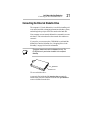
If you’re installing additional memory before using the computer, you haven’t connected any cables yet.
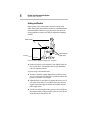
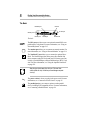
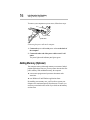
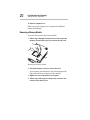
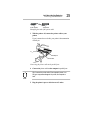
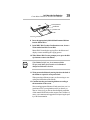
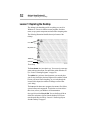
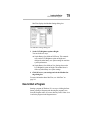
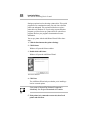
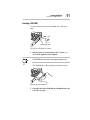
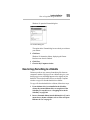
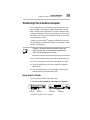
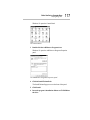
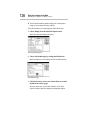
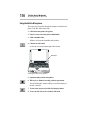
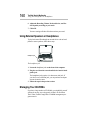
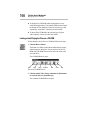
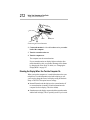
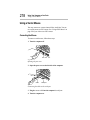
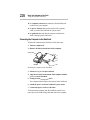
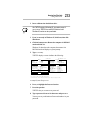
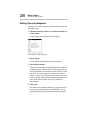
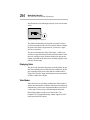
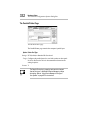
5 Turn the computer upside down.
Screws
The memory slot cover
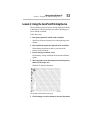
6 Use a small Phillips screwdriver to remove the two screws
that secure the memory slot cover.
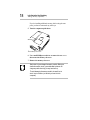
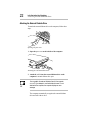
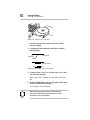
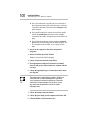
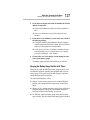
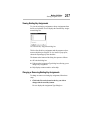
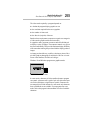
7 Remove the memory slot cover.
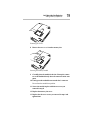
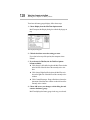
Static electricity can damage the memory module. Before you
handle the module, touch a grounded metal surface to discharge any static electricity you may have built up.
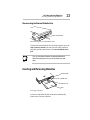
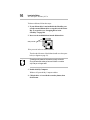
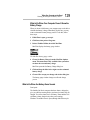
To avoid damaging the memory module, be careful not to
touch its pin connector (on the side you insert into the
computer).