1
178
Little Cards That Do Big Things
Setting Up Your PC Card for Your Computer
Setting Up PC Card Support in Windows 95
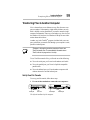
When you insert your PC Card, Windows 95 attempts to recognize the card automatically. If Windows 95 recognizes the card,
there is nothing more you need to do. You are ready to use the
card.
Using the Card Wizard
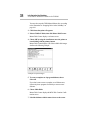
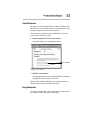
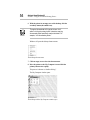
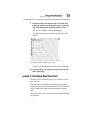
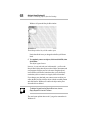
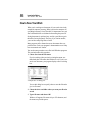
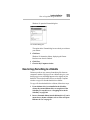
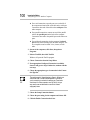
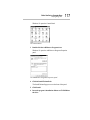
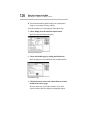
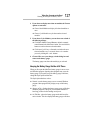
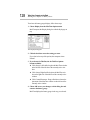
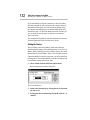
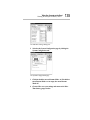
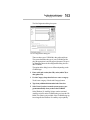
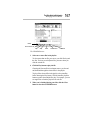
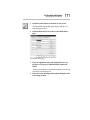
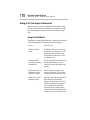
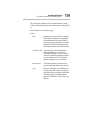
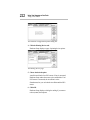
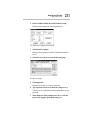
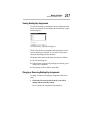
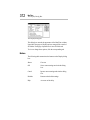
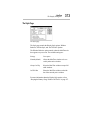
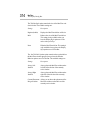
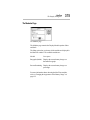
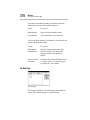
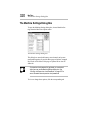
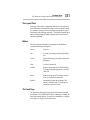
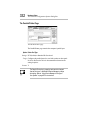
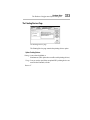
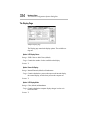
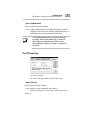
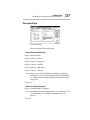
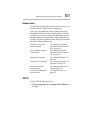
If Windows 95 cannot identify the card, it displays the New Hardware Found dialog box. This dialog box has four options.
Option
What it means
Windows default
driver
If Windows 95 has a driver for your
card built-in, you should use it. The
manual that came with your card
should indicate if the driver is built
into Windows 95.
Driver from disk
provided by hardware
manufacturer
If a driver diskette came with the card
and the manual instructs you to
install it, follow the directions in the
manual.
Do not install a driver
(Windows will not
prompt you again)
This is really not an option if you
want to use the card. If you choose
this option you the card won’t work.
Select from a list of
alternative drivers
Some PC Cards can run with a driver
other than the one specifically
designed for the card. If you choose
this option, Windows 95 displays a
list of manufacturers and model
names (the drivers). Based on the
information in the manual that came
with the card, try an alternative driver.