1
336
Hardware Setup
The Hardware Configuration Options Dialog Box
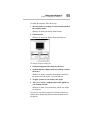
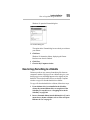
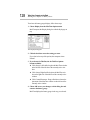
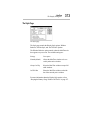
The Boot Priority Page
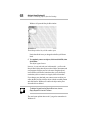
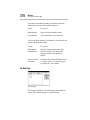
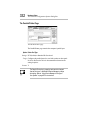
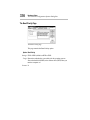
The Boot Priority page
This page controls the Boot Priority option.
Option: Boot Priority
Settings: FDD→HDD (default) or HDD→FDD
Usage: Determines whether the system looks for the operating system
first on the hard disk (HDD) or the diskette drive (FDD) when you
turn the computer on.
Restart: N