1
Wi-Fi® Setup
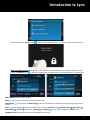
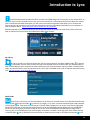
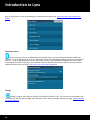
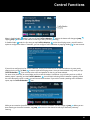
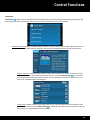
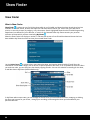
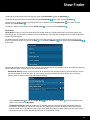
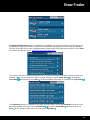
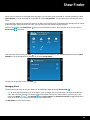
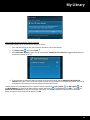
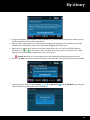
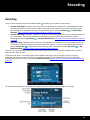
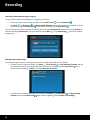
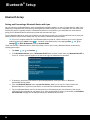
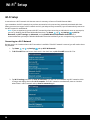
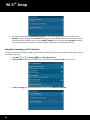
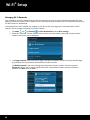
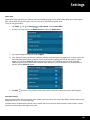
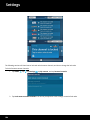
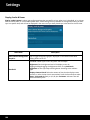
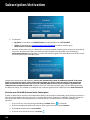
4. Find your Wi-Fi network name in the list and tap it.
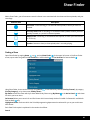
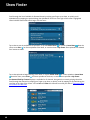
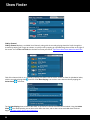
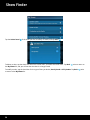
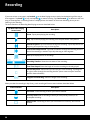
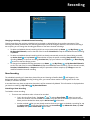
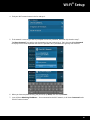
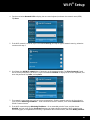
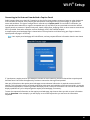
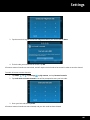
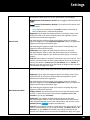
5. If the network is secured, you will be prompted to enter the password, otherwise skip ahead to step 7.
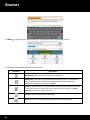
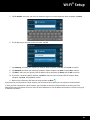
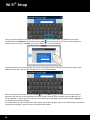
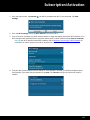
Tap Show Password if you wish to see the password as you are entering it. Tap in the area below Password
to display the on-screen keyboard and enter the password. Wi-Fi passwords are typically case sensitive.
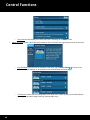
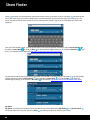
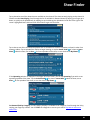
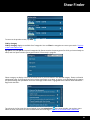
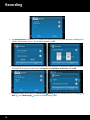
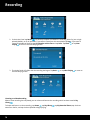
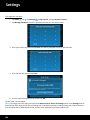
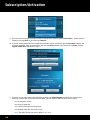
6. When you have completed entering the password, tap Done, and then tap Connect.
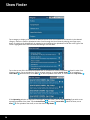
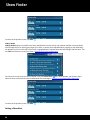
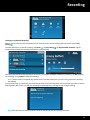
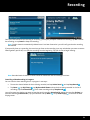
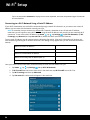
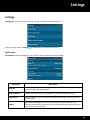
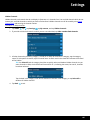
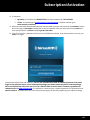
7. Lynx will show Obtaining IP address…. Once connected to the Wi-Fi network, it will show Connected under
the Wi-Fi network name.
91