1
B
Appendix B Supplemental Procedures
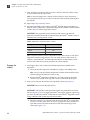
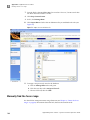
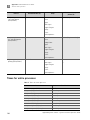
Manually find the focus range
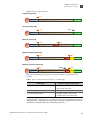
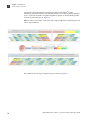
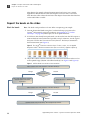
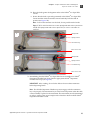
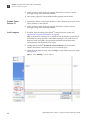
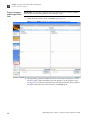
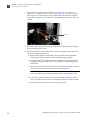
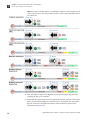
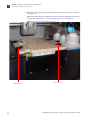
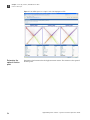
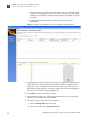
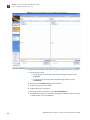
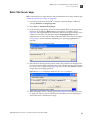
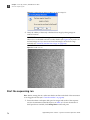
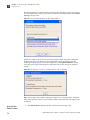
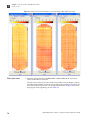
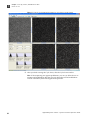
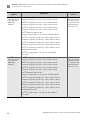
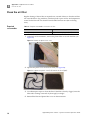
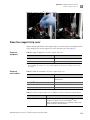
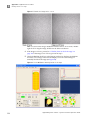
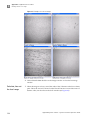
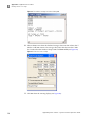
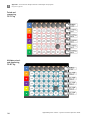
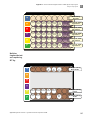
Figure 84 Examples of in-focus images.
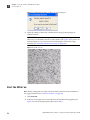
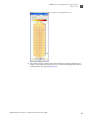
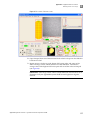
9. Uncheck the Go Live check box in the Imager window to close the live-image
window.
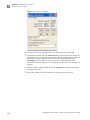
Calculate, then set
the focal range
114
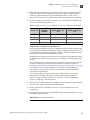
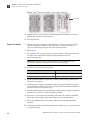
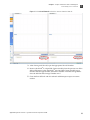
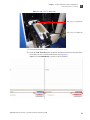
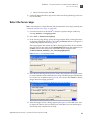
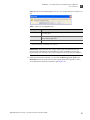
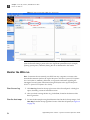
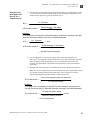
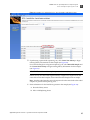
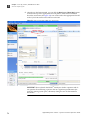
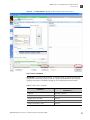
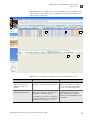
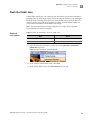
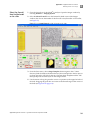
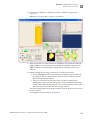
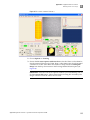
1. When the image is in focus, record the value of the Z distance in the Focus Status
pane. This is the nominal Z distance for this flowcell. Be sure to record the correct Z
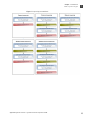
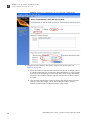
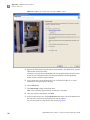
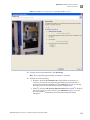
distance value, not the value in the GoTo window (see Figure 85).
Applied Biosystems SOLiD® 4 System Instrument Operation Guide