1
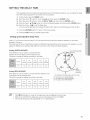
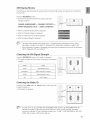
ASC (Auto Sound Calibration) SETUP
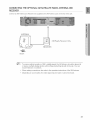
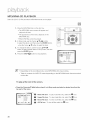
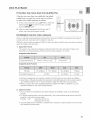
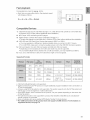
1. Plug the ASC microphone into the ASC input jack.
2. Place the ASC microphone at the listening position.
3. PressASC button.
,, To create the optimal 5.1 channel sound field, the
selections are in the following sequence:
L-, C-_ R -, SR -, SL-* SW
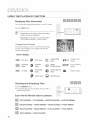
4. When the message "REMOVEMIC" appears in the display,
unplug the ASC microphone.
[_
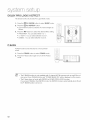
'_ Setting the ASC function takes about 3 minutes.
To cancel
button.
the ASC (Auto Sound
Calibration)
setup,
press ASC
The tone output stops, "CANCEL ASC" appears in the display followed by "REMOVE MIC", and the
setup is cancelled.
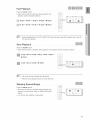
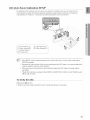
To listen in the ASC (Auto Sound
ASC button.
Calibration)
mode,
briefly
press
The selection alternates between ASC ON and ASC OFF inthe display.
Ifyou select "ASC ON", you will hear sound in the ASC mode.
Ifyou select "ASC OFF", you will hear sound in the mode set in the audio setting of the setup screen.
64