1
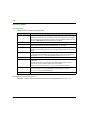
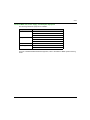
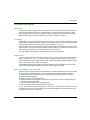
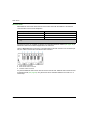
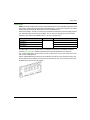
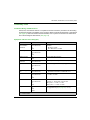
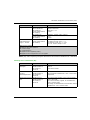
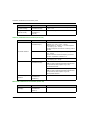
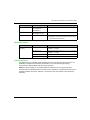
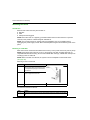
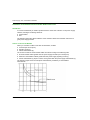
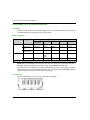
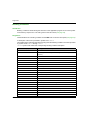
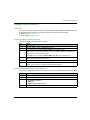
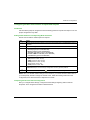
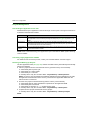
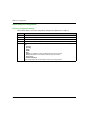
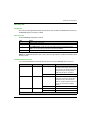
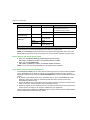
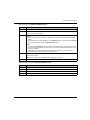
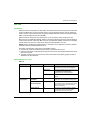
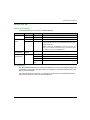
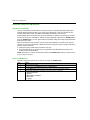
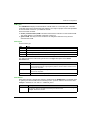
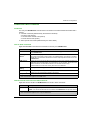
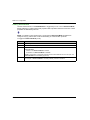
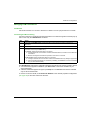
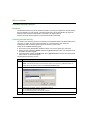
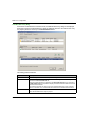
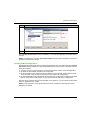
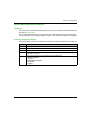
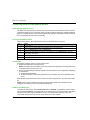
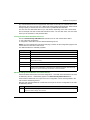
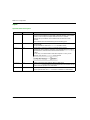
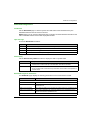
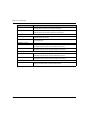
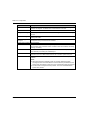
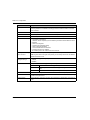
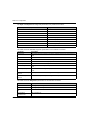
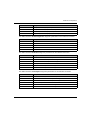
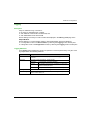
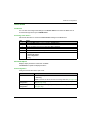
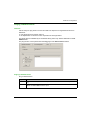
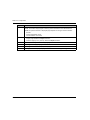
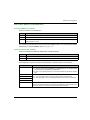
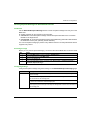
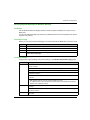
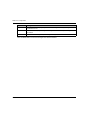
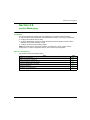
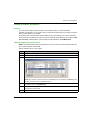
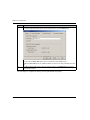
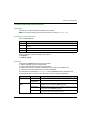
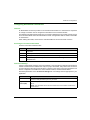
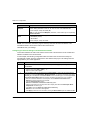
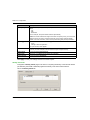
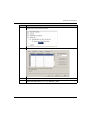
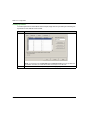
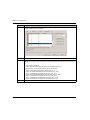
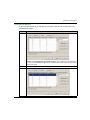
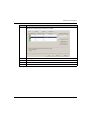
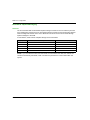
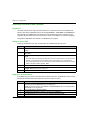
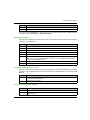
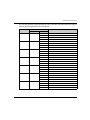
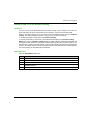
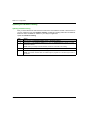
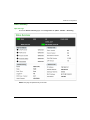
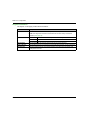
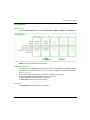
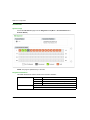
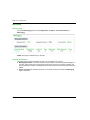
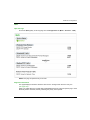
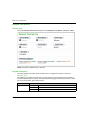
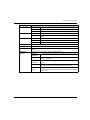
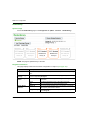
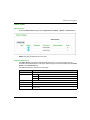
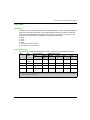
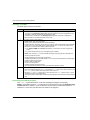
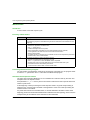
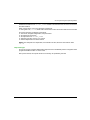
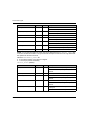
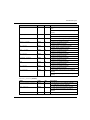
M580 CPU Configuration Logging Description Unity Pro maintains a log of events for: the Unity Pro embedded FDT container each Ethernet communication module DTM, and each EtherNet/IP remote device DTM Events relating to the Unity Pro FDT container are displayed in the FDT log event page of the Output Window. Events relating to a communication module or remote EtherNet/IP device are displayed: in configuration mode: in the Device Editor, by selecting the Logging node in the left pane in diagnostic mode: in the Diagnostics window, by selecting the Logging node in the left pane Logging Attributes The Logging window displays the result of an operation or function performed by Unity Pro. Each log entry includes the following attributes: Attribute Description Date/Time The time the event occurred, displayed in the format: yyyy-mm--dd hh:mm:ss Log Level The level of event importance. Values include: Information A successfully completed operation. Warning An operation that Unity Pro completed, but which may lead to a subsequent error. Error An operation that Unity Pro was unable to complete. Message A brief description of the core meaning of the event. Detail Message A more detailed description of the event, which may include parameter names, location paths, etc. EIO0000001578 09/2014 207