1
Description of Functions
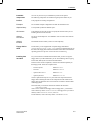
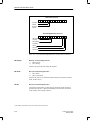
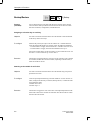
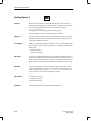
Reset Bool Variable
Purpose
With this function you reset a BOOL variable. To do so, the cursor must be
located in an input field for which this BOOL variable was configured.
The Reset BOOL Variable function can be assigned to a function key or a soft
key.
Objective
You wish to reset a BOOL variable by means of a key.
To configure
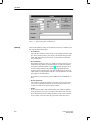
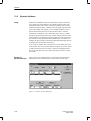
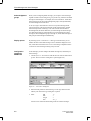
Configure an input field, to which you assign a BOOL variable. Select the key
you wish to use for resetting a BOOL variable. Assign the Reset BOOL Variable function to the Selected Functions.
Execution
Whenever the key is pressed and the cursor is located in the input field, the
function is triggered. The BOOL variable is then reset.
Special feature
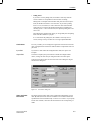
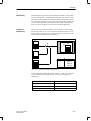
With this function you can reset different BOOL variables by means of a single
key. To do this, configure several input fields, to which you assign BOOL variables. Depending on the position of the cursor, the corresponding BOOL variables are reset when the key is pressed.
Compare the Reset Bit function, for which you require a separate function key
for every bit you wish to reset.
Parameter(s)
None
Condition
The variable for which the function has been configured must be in BOOL
format. With the SIMATIC S5, therefore, the variable can only be an internal
variable.
A-24
ProTool User’s Guide
Release 09/96