1
VLS-Tracker
Program Installation
6 Customer Maintenance and Configuration
6.1
Customer Maintenance
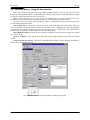
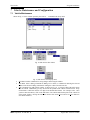
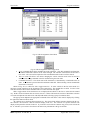
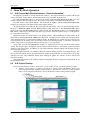
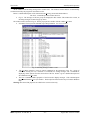
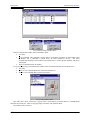
Shown in Fig. 10 is the window opened by the Customers… function in the Setup menu
Fig. 10 Edit customers form
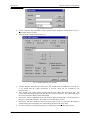
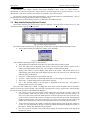
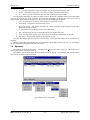
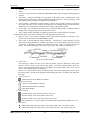
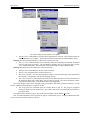
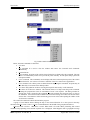
The popup windows menus are shown in Fig. 11 and Fig. 12.
• The File Menu contains commands for saving changes and closing the window.
Fig. 11 Edit customer form. Menu
•
•
Fig. 12 Edit customers form. Popup menu
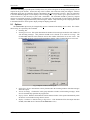
Edit Menu contains a dialogue command of adding a new customer, a command of deleting, editing
the customer selected in the list, and a dialog command of opening the window with communications
settings of the customer selected in the list.
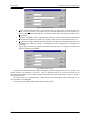
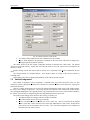
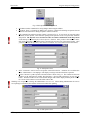
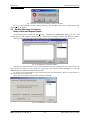
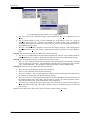
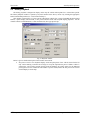
Add Command. The Add Customer window is shown in Fig. 13. You need to fill in all the fields in
this window and press Add button. The customer will be added to the customers list in the parent
window. Once all customers are entered, click on Close button. Use Clear button to delete all enter
fields.
AES Corporation 40-7500 Rev. D
– 20 –
August 2005. Version 1.2.2005