1
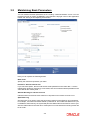
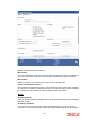
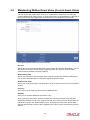
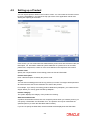
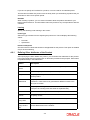
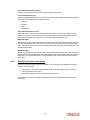
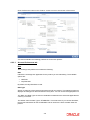
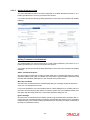
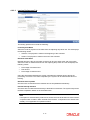
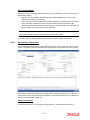
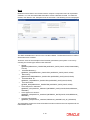
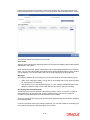
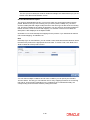
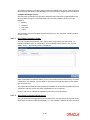
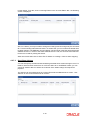
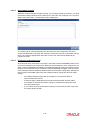
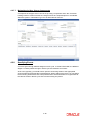
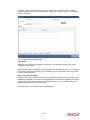
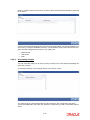
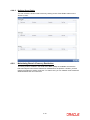
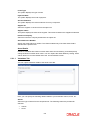
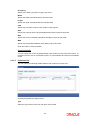
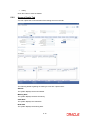
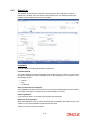
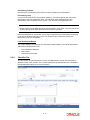
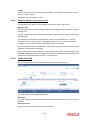
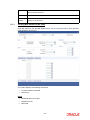
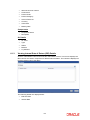
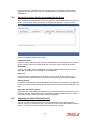
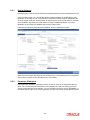
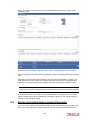
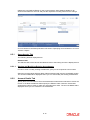
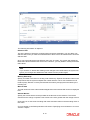
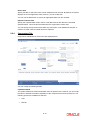
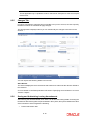
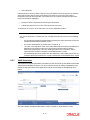
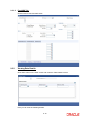
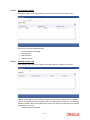
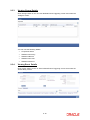
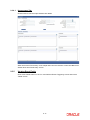
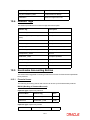
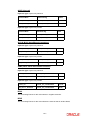
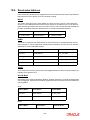
9.3.2.2 Viewing Rate Details Click ‘Rate’ button on the ‘Rate Details’ screen and invoke the ‘Rate Details’ screen. Here you can view the following details: 9.3.2.3 Contract Reference Number Booking Rate Effective Date Refinance Rate Viewing Change Log Click ‘Change Log’ button on the ‘MIS’ screen and invoke the ‘Change Log’ screen. If MIS reclassification occurs, through changing the MIS codes for transaction or composite classes, the System stores the changes made, in a Contract MIS Change Log. The following details are stored in the Contract MIS Change Log for the contract in respect of which the MIS reclassification occurred: Contract Reference Number 9-14