1
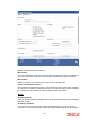
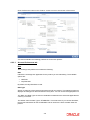
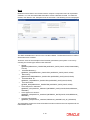
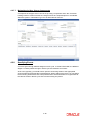
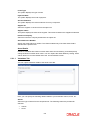
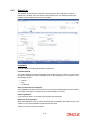
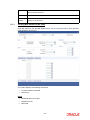
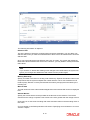
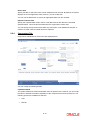
Retries Advice Days
Number of retries for an advice is defaulted here from the product maintenance level;
however, you can modify if needed. The value should be less than the value maintained for
‘Retries Auto Liquidation Days’.
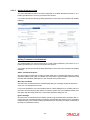
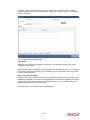
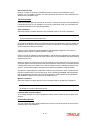
Track Receivable
If Track receivable option is checked for an account, it tracks the amount to be liquidated as
a receivable if funds are not available. So upon any subsequent credit, the receivables are
blocked and allocated to the pending liquidation.
Auto Liquidation
Select this option to indicate that the Track receivable option is for Auto Liquidations.
Note
This is defaulted from the product level.
On schedule liquidation if there are insufficient funds in the settlement account to satisfy the
liquidation and if both the product and the account are marked for receivable tracking then
system initiates tracking of receivable.
If the account is marked for Partial liquidation, then liquidation happens to the extent of
available funds, and the remaining amount is tracked.
If the account is not marked for partial liquidation, and the amount available in the settlement
account is less than the due amount, then system won’t do any liquidation and starts tracking
the full due amount.
Whenever there is a credit to an account, the tracking process checks if the account has any
receivable against it and if it does then the relevant amount is blocked as a receivable and the
corresponding amount is marked to be used for settlement during subsequent ALIQ for the
account. This process happens till the amount needed for liquidation is fully available.
The decision of allocating this credit will be based on the preference order of products that
has been specified at an account class level. On the following EOD/BOD, batch liquidation
tries to liquidate the schedule. The amount receivable is made available for the liquidation,
and liquidation happens to the extent of receivable amount.
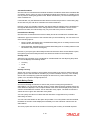
Manual Liquidation
Select this option to indicate that the Track receivable option is for Manual Liquidations.
Note
By default, the system selects this option.
Liquidate Back Value Schedules
On checking this field, the system liquidates the back value schedule in case of back value
account.
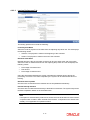
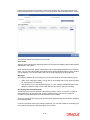
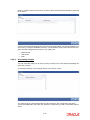
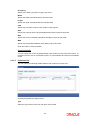
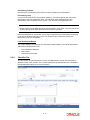
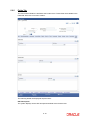
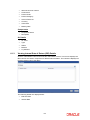
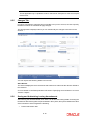
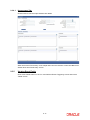
Intermediary Details
You can capture the Intermediary Details at the account level to keep track of the accounts
created through Intermediaries.
5-16