1
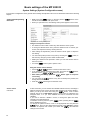
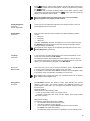
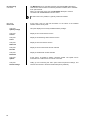
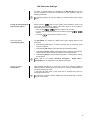
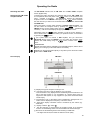
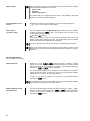
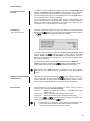
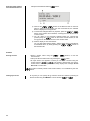
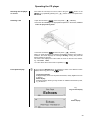
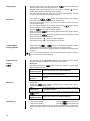
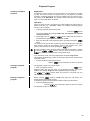
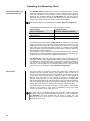
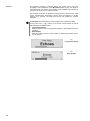
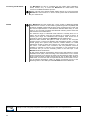
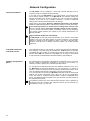
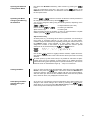
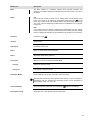
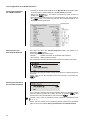
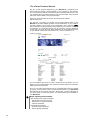
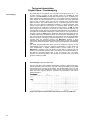
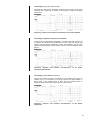
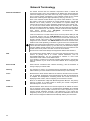
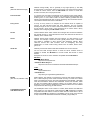
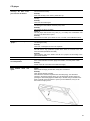
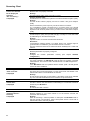
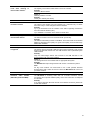
The Configuration for a WLAN connection Setting the Parameters for a Radio Network Connect the WLAN aerial (supplied) to the MP 2000 R WLAN aerial socket, and ensure that no cable is attached to the MP 2000 R LAN socket. Switch the MP 2000 R on, and select the Streaming Client function by pressing the button. Now call up the Configuration menu as described above: with a long press on the button. You should now see the menu reproduced below, displaying the network parameters. Possible entries Searching for and Selecting the Network First select the menu item 'WLAN configuration start', and activate it by pressing the button. A menu appears showing these points: Rescan - initiates new search for accessible radio networks Set manually - adding a WLAN manually After a brief delay the networks present in the vicinity are listed on the screen. You can use the 'Rescan' function to start a new search for networks present in the vicinity. Please select one of the networks located, and activate it by pressing the button. Entering the Password (for encoded networks) If your network is encoded, the window illustrated above now appears. Please enter the network password and confirm the entry by pressing . Now select the item ‘Save WLAN settings’ and confirm with . If a WEP code is used, the password must be entered as a hexadecimal code (0 - 9, A - F). Please enter the settings for the remaining network parameters as described earlier in the section entitled 'Setting the Parameters for a Wired Network'. 46