1
Chapter 1. PACDM Server Software
Database Menu
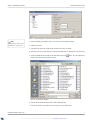
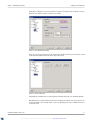
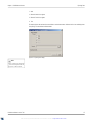
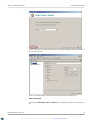
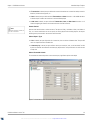
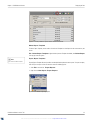
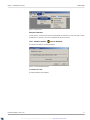
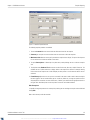
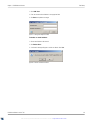
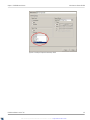
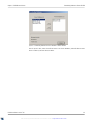
Figure 50 – Customize Database Fields
Column: Is Used
• Allows the user to select the items to be presented in the Customer Report.
Column: Fixed Database Name
• This field describes database field names.
Column: Customized Name
• The user has the ability to change the name of the Database Field to make it more user-friendly when building a Custom
Search.
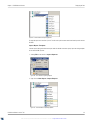
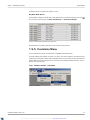
• The Database Field Names on the left are those selected for use by a specific POS. The Customized Name,
on the right, is the name that will appear on the main screen of the application and on the column headers of the report
grids.
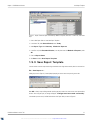
1.5.6. Database Menu
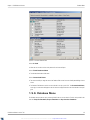
The Database menu provides the option to backup PACDM™ data to a remote location. The basic tools provided in this
menu are Compact Database, Export Database and Synchronize Database.
PACDM User Manual - Version 7.02
XML to PDF by RenderX XEP XSL-FO Formatter, visit us at http://www.renderx.com/
26