1
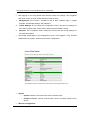
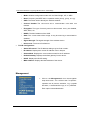
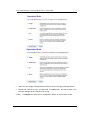
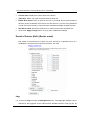
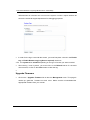
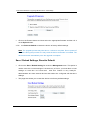
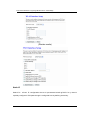
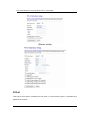
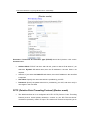
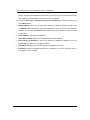
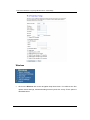
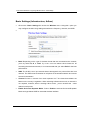
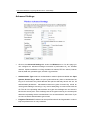
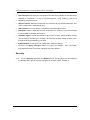
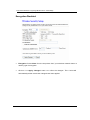
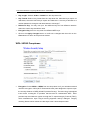
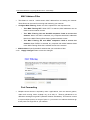
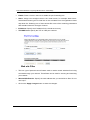
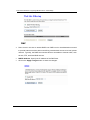
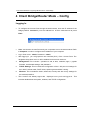
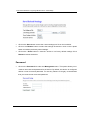
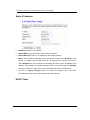
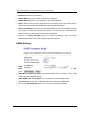
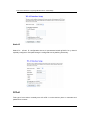
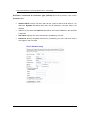
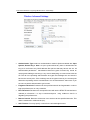
ECB-1221R Wireless Long Range Multi-function Client Bridge Key Length: Select a 64-bit or 128-bit from the drop-down list. Key Format: Select a key format from the drop-down list. 64bit-hex keys require 10 characters, where as 128- bit keys require 26 characters. A hex key is def ined as a number between 0 through 9 and letter between A through F. Default Tx Key: You ma y u se up to four d ifferent keys for f our different n etworks. Select the current key that will be used. Encryption Key 1-4: You may enter four different WEP keys. Click on t he Apply Changes button to con firm th e c hanges an d t hen clic k on the Close button to return to the pervious window. WPA / WPA2 Passphrase Encryption: Select WPA or WPA2 from the drop-down list if your wireless network uses this encryption. WPA (Wi-Fi Protected Access) was designed to improve upon the security features of WEP (Wired Equivalent Privacy). The technology is designed to wo rk with e xisting Wi- Fi products that h ave be en e nabled with WEP . WPA provides imp roved data enc ryption through the Te mporal Integ rity P rotocol (TK IP), which scrambles the keys u sing a has hing algorithm and by a dding an integrity checking feature which makes sure that keys haven’t been tampered with. 39