1
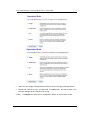
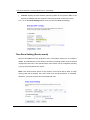
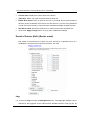
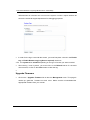
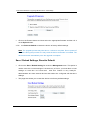
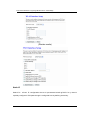
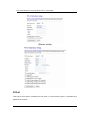
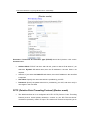
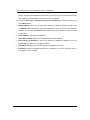
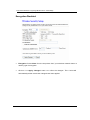
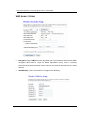
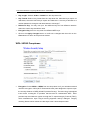
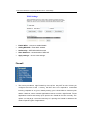
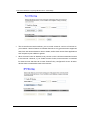
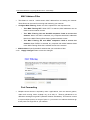
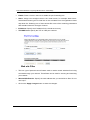
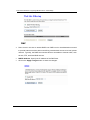
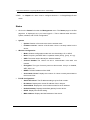
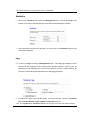
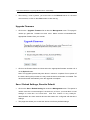
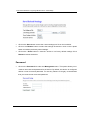
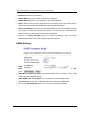
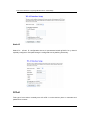
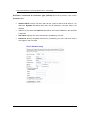
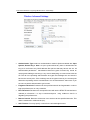
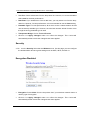
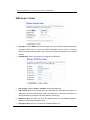
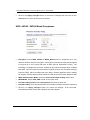
ECB-1221R Wireless Long Range Multi-function Client Bridge Enable: Place a check in this box to enable the port forwarding rule. Name: Assign a me aningful n ame to t he virtual s erver, f or example Web S erver. Several well- known ty pes of virtual ser ver are avai lable fro m t he A pplication Name drop-down list. Selecting one of these entries fills some of the remaining parameters with standard values for that type of server. IP Address: Specify the IP address for the virtual server entry. TCP/UDP Ports: Specify the TCP or UDP port numbers. Web site Filter This is a type of parental control feature used to restrict certain websites form being accessed through your network. These filters can be used for securing and restricting your network. Website/URL/Domain: Specify the web address that you would like to filter. Do n ot use “http://” Click on the Apply changes button to store the changes. 44