1
OpenFox™ Messenger User Manual
form fields action, or by pressing Ctrl-G on your keyboard. These actions and
reminders of the keyboard shortcuts are listed under the form system menu.
Get and store form field actions
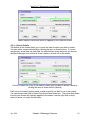
By default, Messenger automatically performs the store form fields action when you
submit a form. This means that you can simply fill in a query form, submit it, go to your
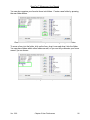
next query form, press Ctrl-G, and the data from your last query is filled into the new
form. This feature makes it very easy to run multiple queries on the same individual. If
you would like to disable this feature, or turn it on if it is not working for you, please see
the section [5.2 – Form Preferences].
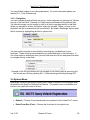
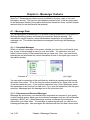
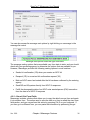
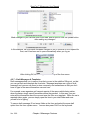
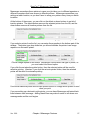
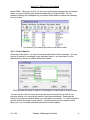
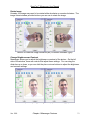
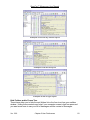
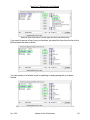
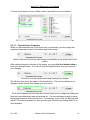
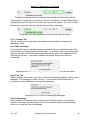
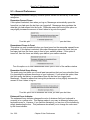
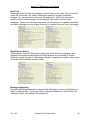
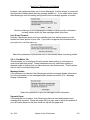
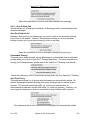
Example of submitting a QH form (left), and then performing the get form fields action
on a QW form (right)
Ver. 3.00
Chapter 4 Messenger Features
37