1
3.2. PARALLEL RUNS
47
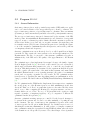
Testing the parallel binaries
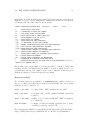
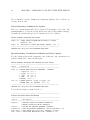
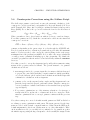
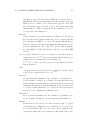
The binaries ridft, rdgrad, dscf, grad, and ricc2 can be tested by the usual test
suite: go to $TURBODIR/TURBOTEST and call TTEST
Note: Some of the tests are very small and will only pass properly if 2 CPUs are
used at maximum. Therefore TTEST will not run any test if $PARNODES is set to a
higher value than 2.
If you want to run some of the larger tests with more CPUs, you have to edit the
DEFCRIT file in TURBOMOLE/TURBOTEST and change the $defmaxnodes option.
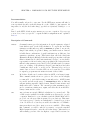
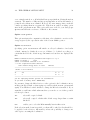
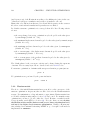
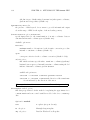
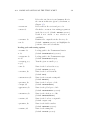
Linear Algebra Settings
The number of CPUs and the algorithm of the linear algebra part of Turbomole
depends on the settings of $parallel platform:
cluster – for clusters with TCP/IP interconnect. Communication is avoided by
using an algorithm that includes only one or few CPUs.
MPP – for clusters with fast interconnect like Infiniband or Myrinet. Number of
CPUs that take part at the calculation of the linear algebra routines depends
on the size of the input and the number of nodes that are used.
SMP – all CPUs are used and SCALapack (see http://www.netlib.org/scalapack/)
routines are involved.
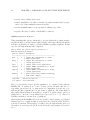
The scripts in $TURBODIR/mpirun_scripts automatically set this keyword depending on the output of sysname. All options can be used on all systems, but especially
the SMP setting can slow down the calculation if used on a cluster with high latency
or small bandwidth.
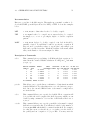
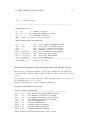
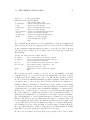
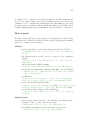
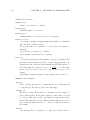
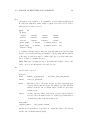
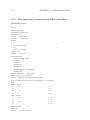
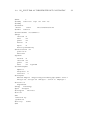
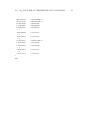
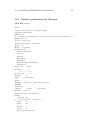
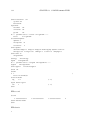
Sample simple PBS start script
#!/bin/sh
# Name of your run :
#PBS -N turbomole
#
# Number of nodes to run on:
#PBS -l nodes=4
#
# Export environment:
#PBS -V
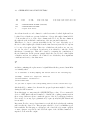
# Set your TURBOMOLE pathes:
######## ENTER YOUR TURBOMOLE INSTALLATION PATH HERE ##########