1
96
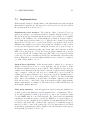
CHAPTER 4. PREPARING YOUR INPUT FILE WITH DEFINE
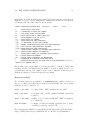
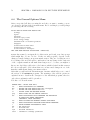
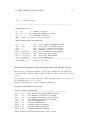
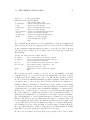
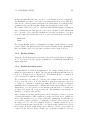
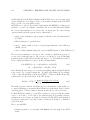
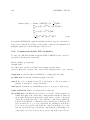
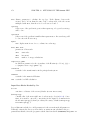
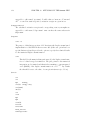
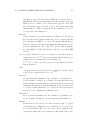
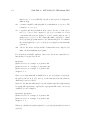
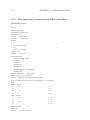
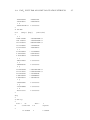
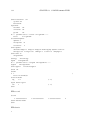
actual settings for data group $shared electron numbers
2-center shared electron numbers will be computed;
values are printed if absolute value exceeds
.0100
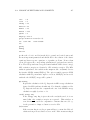
3-center shared electron numbers will be computed;
values are printed if absolute value exceeds
.0100
4-center shared electron numbers will be computed;
values are printed if absolute value exceeds
.0100
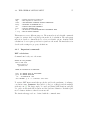
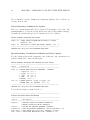
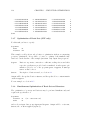
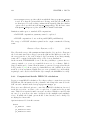
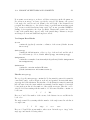
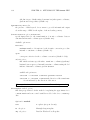
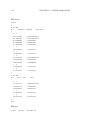
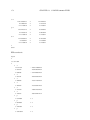
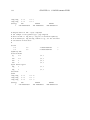
add or delete one or more options for the
computation of Shared Electron Numbers (SEN)
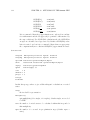
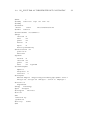
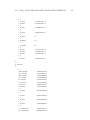
option | status | description
--------|--------|---------------------------------------2c <r> |
T
| compute 2-center SEN and print if
|
| |SEN| > <r> (DEFAULT = .1000E-01)
3c <r> |
T
| compute 3-center SEN and print if
|
| |SEN| > <r> (DEFAULT = .1000E-01)
4c <r> |
T
| compute 4-center SEN and print if
|
| |SEN| > <r> (DEFAULT = .1000E-01)
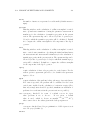
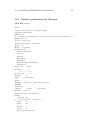
--------|--------|---------------------------------------nosym
|
F
| switch off use of symmetry
orbs
|
F
| compute orbital contributions to SEN
irreps |
F
| compute irrep contributions to SEN
--------|--------|----------------------------------------<option>
: switch off <option>
* or q(uit) : leave this menu
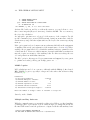
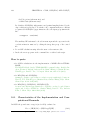
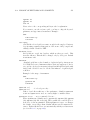
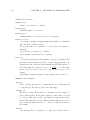
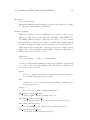
The procedure for changing the options is the same as described above. By default
calculation of 2-, 3- and 4-center SENs will be enabled with thresholds of 0.01 each.
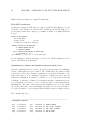
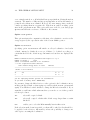
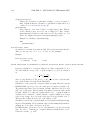
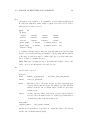
Option plot
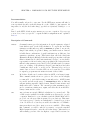
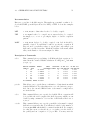
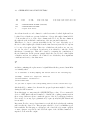
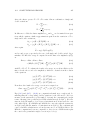
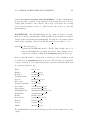
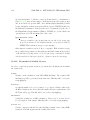
This option allows you to prepare the data needed for contour plots of orbital amplitudes or total electron densities. We do not recommend to prepare plotting data this
way; an easier method—with an easier syntax—is to generate these data directly
by the programs, where densities (also MP2 or excited ones) and Molecular orbitals
are calculated. This is described in Chapter 14. If you nevertheless want to prepare
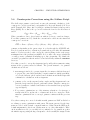
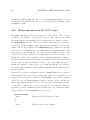
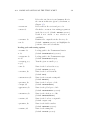
the input for plotting data as needed by moloch using define, on activating plot
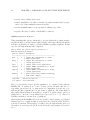
you get the following menu: