1
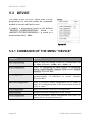
MENU BAR - DEVICE
5.3.4 SCAN CONFIGURATION
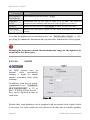
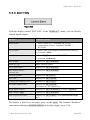
keyboard
function
F11
open dialog box "SCAN CONFIGURATION"
↵
close dialog box "SCAN CONFIGURATION", changes are applied
<ALT>+F4 quit dialog box "SCAN CONFIGURATION" without accepting changes
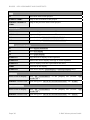
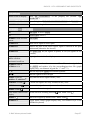
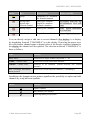
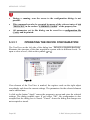
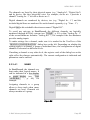
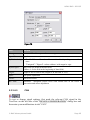
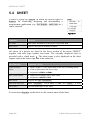
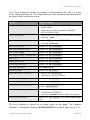
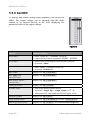
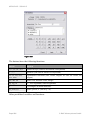
The dialog box "SCAN CONFIGURATION" displays an overview of all available
measurement channels and their current configuration.
•
During a running scan, the access to the configuration dialogs is not
possible.
•
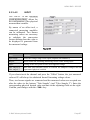
This command can also be executed by means of the relevant entry on the
tab "DEVICES" in the section "COMMON TASKS" of the property bar.
5.3.4.1
NOTES TO THE "SCAN CONFIGURATION"
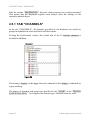
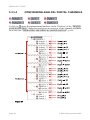
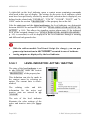
In the "SCAN CONFIGURATION", all channels which can be scanned are listed,
i.e. all analog and digital inputs and formula channels.
Page 120
© BMC Messsysteme GmbH