1
Communication with SIMATIC S7 controllers
2.4 User data areas
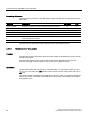
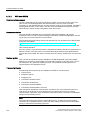
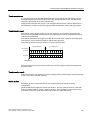
Triggering alarms
Triggering of an alarm in the PLC:
● Setting a tag bit
● Measured value limits exceeded
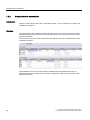
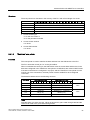
The location of tags, or of the tag array, is defined in WinCC flexible ES. The tag or array
must be set up on the PLC.
2.4.2.2
Step 1: Creating tags or an array
Procedure
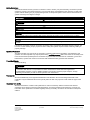
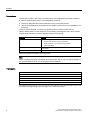
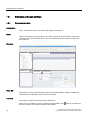
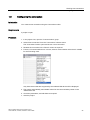
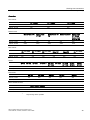
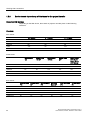
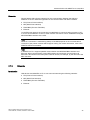
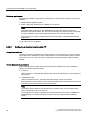
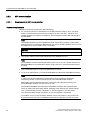
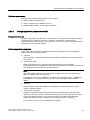
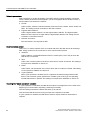
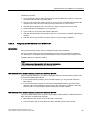
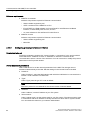
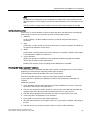
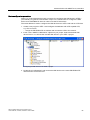
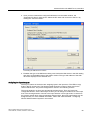
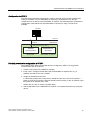
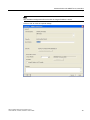
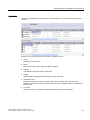
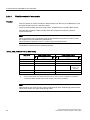
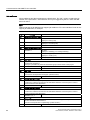
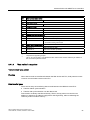
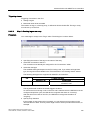
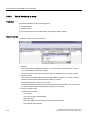
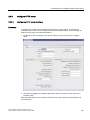
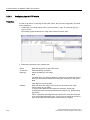
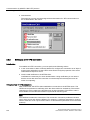
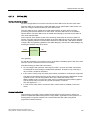
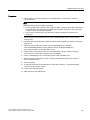
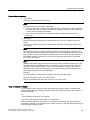
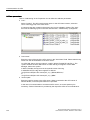
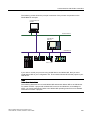
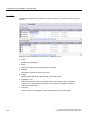
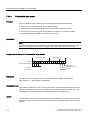
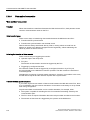
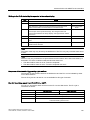
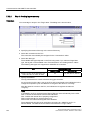
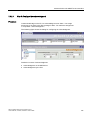
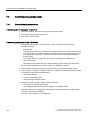
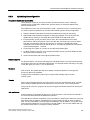
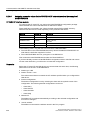
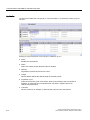
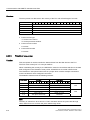
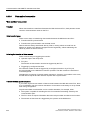
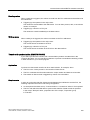
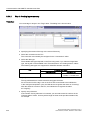
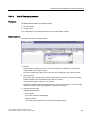
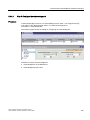
You create tags or arrays in the "Tags" editor. The dialog box is shown below.
● Specifying the names of the tags or the name of the array
● Select the connection to the PLC
The connection must already be configured in the "Connections" editor.
● Select the data type
The available data types depend on the PLC being used. If you select an illegal data
type, the tag will not be available in the "Discrete alarms" and "Analog alarms" editors.
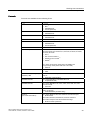
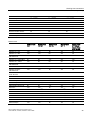
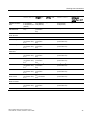
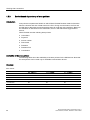
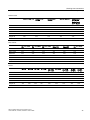
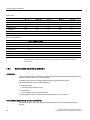
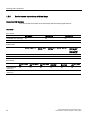
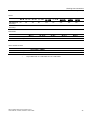
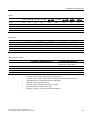
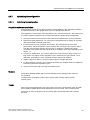
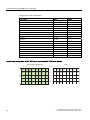
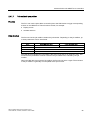
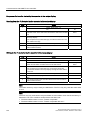
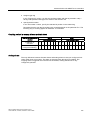
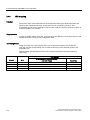
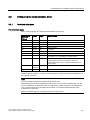
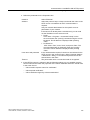
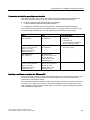
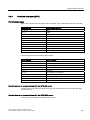
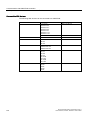
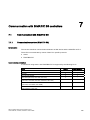
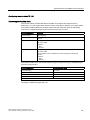
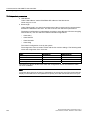
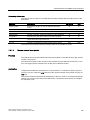
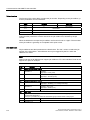
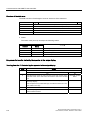
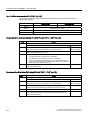
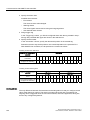
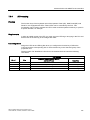
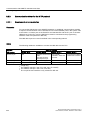
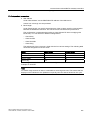
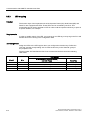
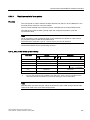
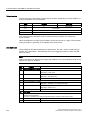
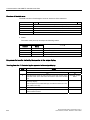
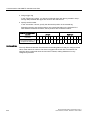
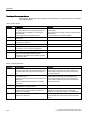
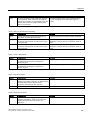
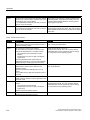
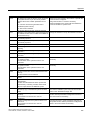
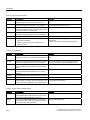
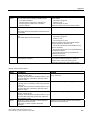
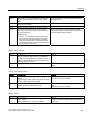
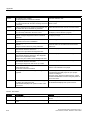
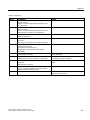
The following data types are supported for SIMATIC S5 controllers:
PLC
Permitted data types
Discrete alarms
Analog alarms
WORD, INT
CHAR, BYTE, INT, WORD, DINT, DWORD, REAL,
COUNTER, TIME
AS 300/400
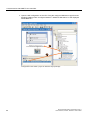
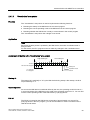
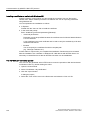
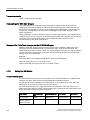
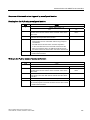
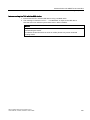
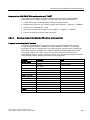
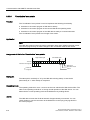
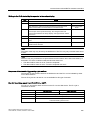
● Specify the address
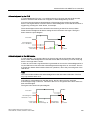
The tag addressed contains the bit that triggers the alarm.
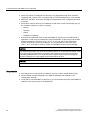
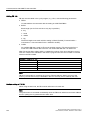
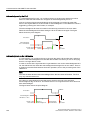
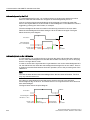
As soon as the bit of the tag is set on the PLC and is transferred to the HMI device in the
configured acquisition cycle, the HMI device recognizes the alarm as "incoming".
After the same bit is reset on the PLC, the HMI device recognizes the alarm as
"outgoing".
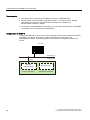
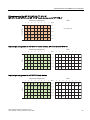
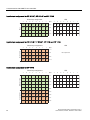
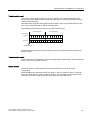
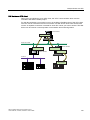
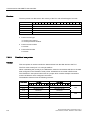
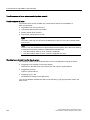
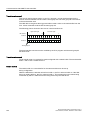
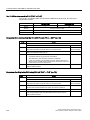
● Specify array elements
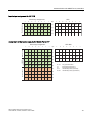
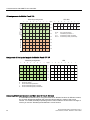
If the number of array elements is increased, you can select more bit numbers in the
"Discrete alarms" editor. An array with a length of three words provides 48 alarm bits, for
example.
WinCC flexible 2008 Communication Part 1
User's Manual, 07/2008, 6AV6691-1CA01-3AB0
105