1
SADiE v5.4 PCM Manual
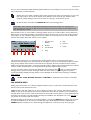
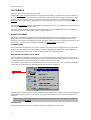
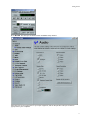
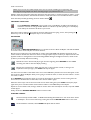
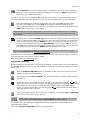
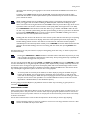
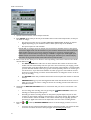
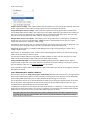
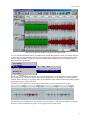
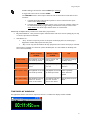
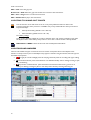
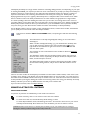
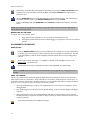
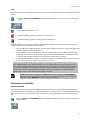
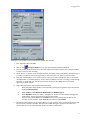
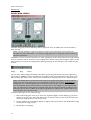
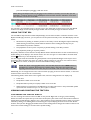
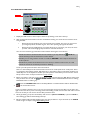
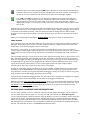
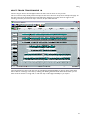
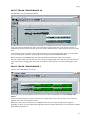
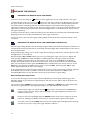
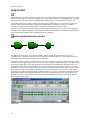
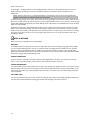
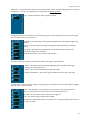
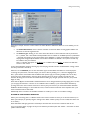
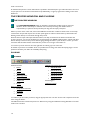
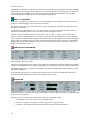
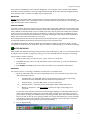
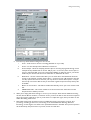
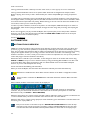
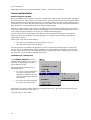
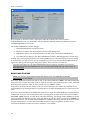
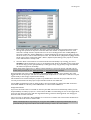
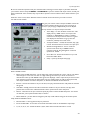
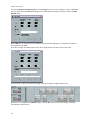
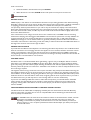
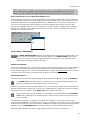
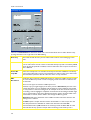
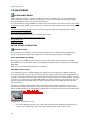
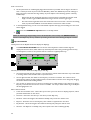
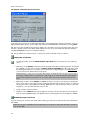
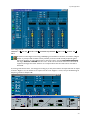
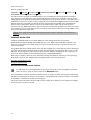
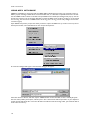
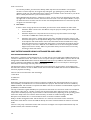
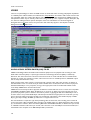
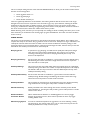
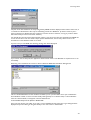
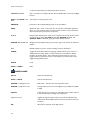
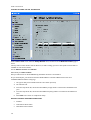
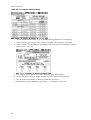
On selecting Import Components(s).. from the Project menu, if you are choosing to import a CMX EDL,
first you will be offered the Convert dialog (choose CMX 3600 if in doubt) and then you will see the EDL
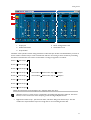
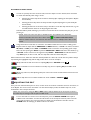
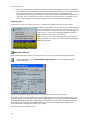
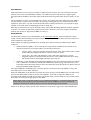
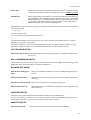
Expand dialog:
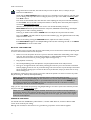
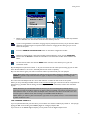
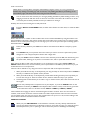
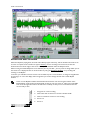
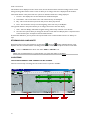
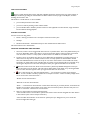
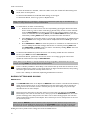
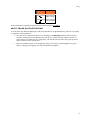
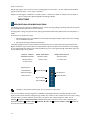
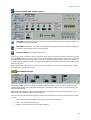
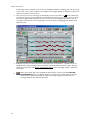
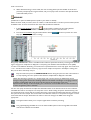
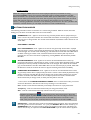
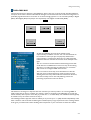
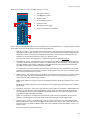
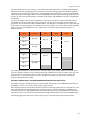
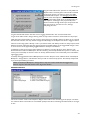
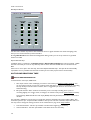
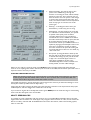
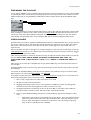
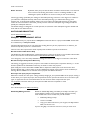
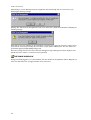
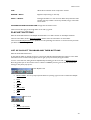
A1 and A2 refer to the channels in the CMX list, and the channels displayed here will depend on what has
been specified in the CMX.
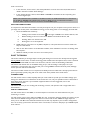
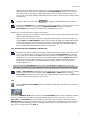
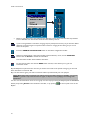
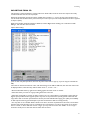
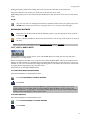
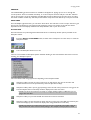
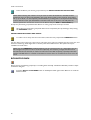
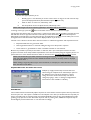
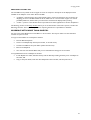
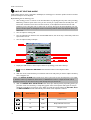
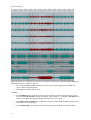
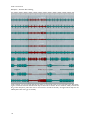
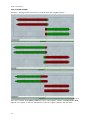
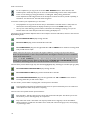
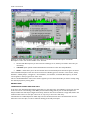
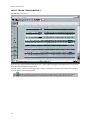
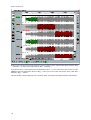
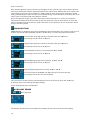
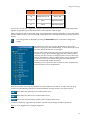
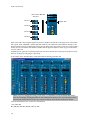
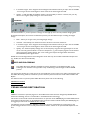
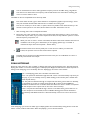
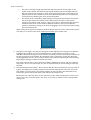
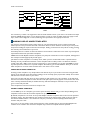
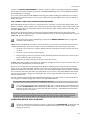
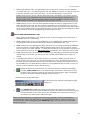
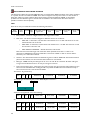
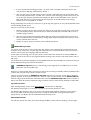
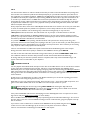
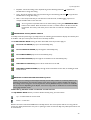
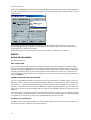
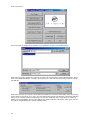
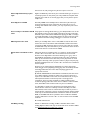
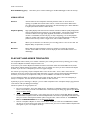
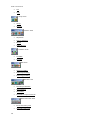
As another example, this CMX contains mono A1 ands A2 channels plus stereo items on A1+A2:-
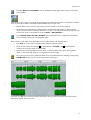
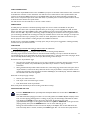
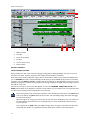
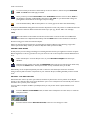
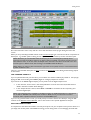
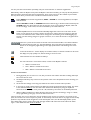
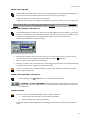
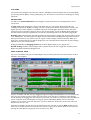
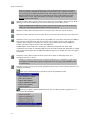
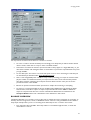
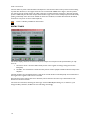
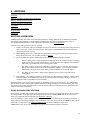
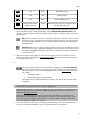
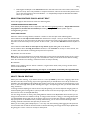
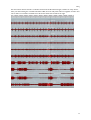
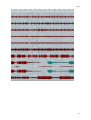
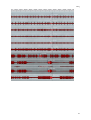
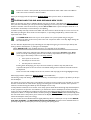
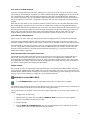
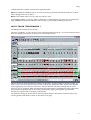
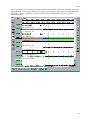
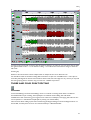
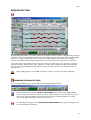
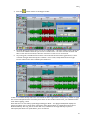
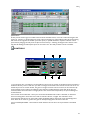
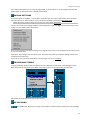
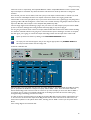
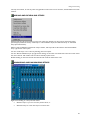
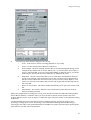
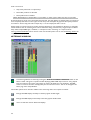
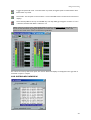
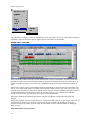
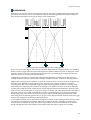
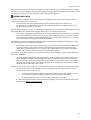
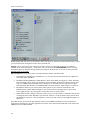
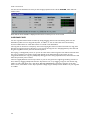
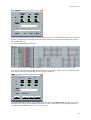
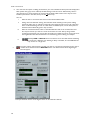
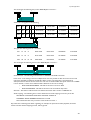
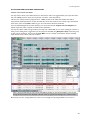
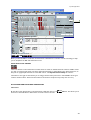
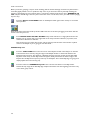
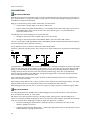
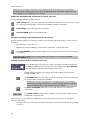
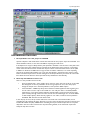
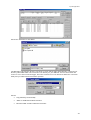
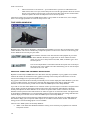
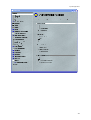
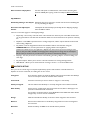
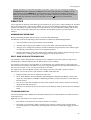
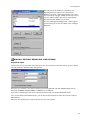
If we press OK, or Skip, and accept the settings on the first example, the EDL looks like this:-
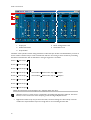
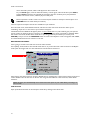
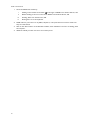
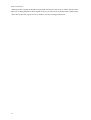
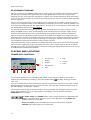
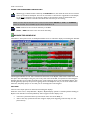
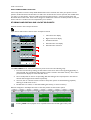
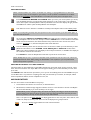
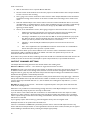
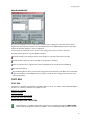
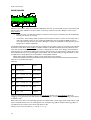
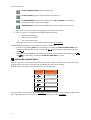
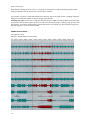
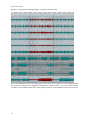
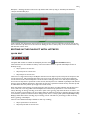
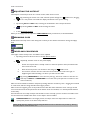
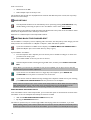
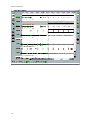
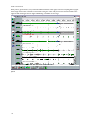
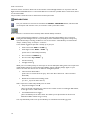
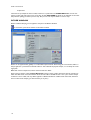
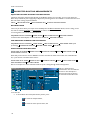
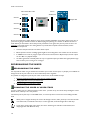
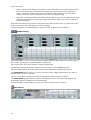
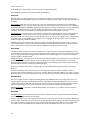
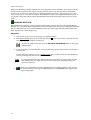
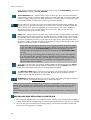
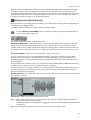
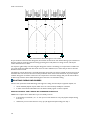
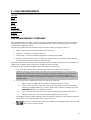
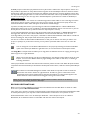
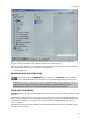
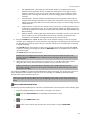
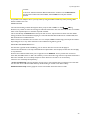
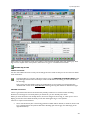
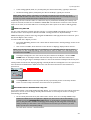
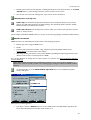
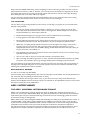
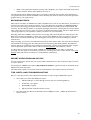
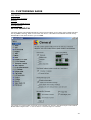
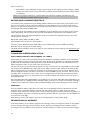
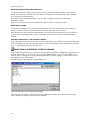
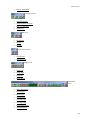
However, if we changed just the Width setting for channel A1, you'll see that other settings will change
automatically to look like this:-
274