1
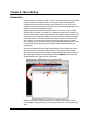
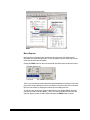
Menu Writer Main Screen
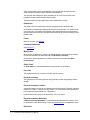
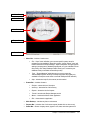
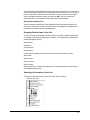
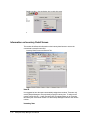
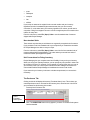
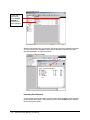
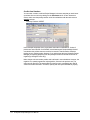
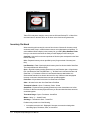
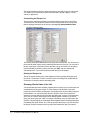
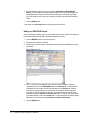
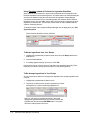
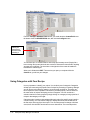
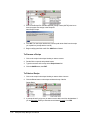
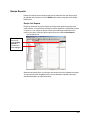
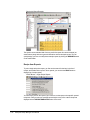
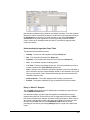
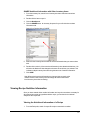
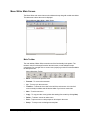
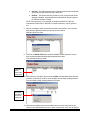
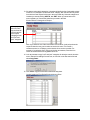
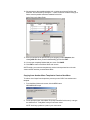
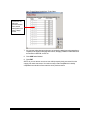
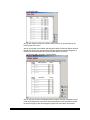
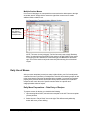
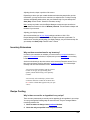
The Menu Writer main screen has a main toolbar at the top along with a white area below.
This white area is where the menu is displayed.
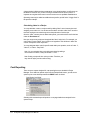
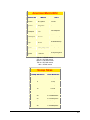
Recipe Manager Menu Writer – Main Screen
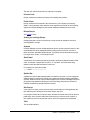
Main Toolbar
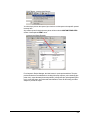
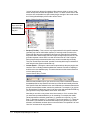
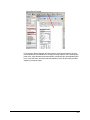
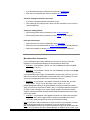
The main toolbar of Menu Writer controls most of the functionality in the system. The
toolbar is a list of functions performed on the entire menu, not the individual recipe
components. You can right-click on a menu item (recipe) to get a list of functions available
for that specific item.
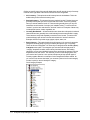
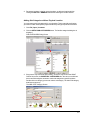
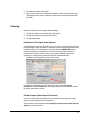
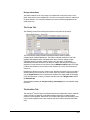
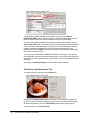
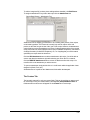
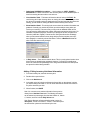
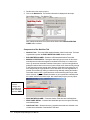
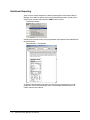
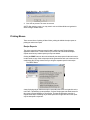
Menu Writer Main Toolbar
8-2
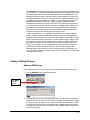
•
Back – To move to the previous menu.
•
Forward – To move to the next menu.
•
Up – To move up in the menu tree.
•
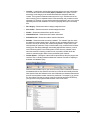
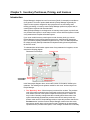
TreeView – To show the “tree view” to the left of the main screen. It is a list of all
menus. Initially it is hidden and will also be hidden if you have no menu data.
•
New – To add a new menu.
•
Copy – To copy an entire menu (quicker than starting from scratch by clicking New).
•
Delete – To delete / remove an entire menu.
•
Print – To print a menu or a recipe report on all recipes in the menu.
•
Setup – To setup a new or existing menu template.
Enterprise Recipe Manager Manual