1
•
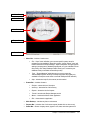
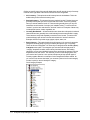
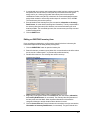
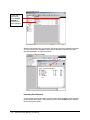
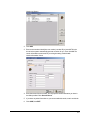
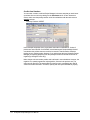
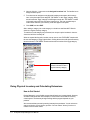
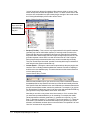
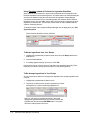
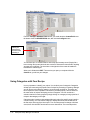
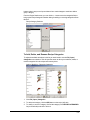
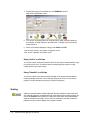
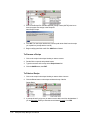
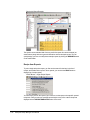
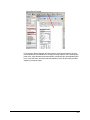
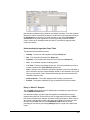
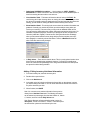
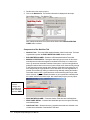
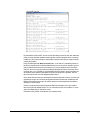
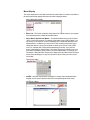
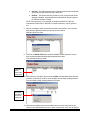
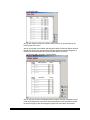
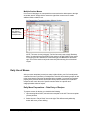
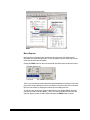
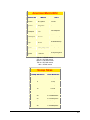
Other items SHARING this nutrition… - Here is where you COPY, SHARE, or
SEPARATE the nutrition values from other inventory items to save database space or
time from entering the same values over and over.
•
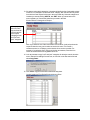
Clear Nutrition Table – This button will clear the table of values. WARNING: Be
careful doing this if other inventory items are sharing this data! Remember if you clear
the values for a specific nutrient ID assigned to this inventory item that other items are
sharing, you will ALSO be clearing the data for those inventory items as well.
•
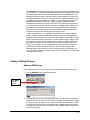
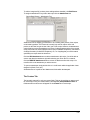
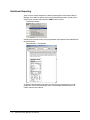
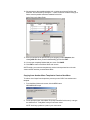
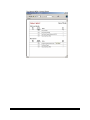
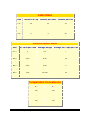
Show Nutrition Detail – This is simply the source where the nutrition information was
gathered. Generally your vendor will provide you with a nutrition source when you
receive your inventory. This source may or may not be an affiliated USDA source.
You can enter the details where this nutrition information was derived in this area. For
ISO-9002 compliance purposes, each time you change the source, the previous or
last value (called the “original”) is stored as well. Going into this screen will always
show you the entered nutrition source along with the previous nutrition source (if it
was changed) in a read-only colored field below. There is a Modified field that will
show if the value was recently changed.
•
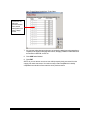
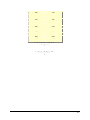
% Daily Values – These are the vitamin values. This is a purely optional section since
these values are already being calculated. However, if you want to manually enter
them here it will save Recipe Manager from doing extra calculations and will improve
the speed of nutrition label generation.
Adding / Editing Inventory Nutritional Information
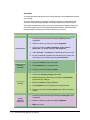
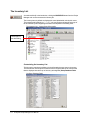
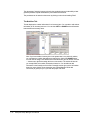
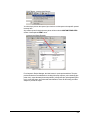
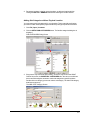
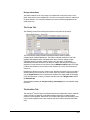
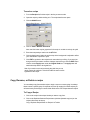
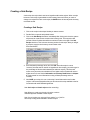
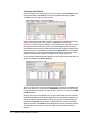
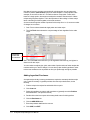
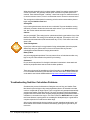
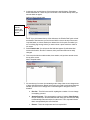
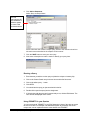
1. From the Inventory list, select the inventory item.
2. Double-click to open the item.
3. Click on the Nutrition tab.
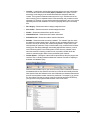
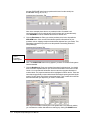
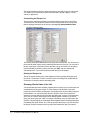
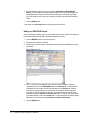
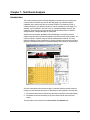
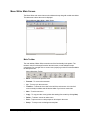
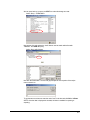
4. In the table on the left, simply scroll down the list and click on the element / nutrient
you wish to change the value of. You can scroll down the list and add new values to
any of the elements you wish.
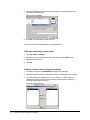
5. When finished, click SAVE.
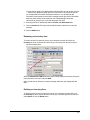
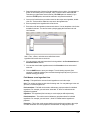
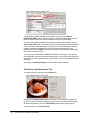
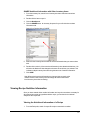
Note: You can enter some nutrient information from a product
directly from a Nutrition Facts label. The following information
can be entered as percentages from the label: Vitamin A, Vitamin
C, Calcium, and Iron in the % Daily Values area.
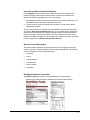
Note: Recipe Manager will automatically analyze a recipe for
descriptors, such as "low sodium", "fat free". These descriptors
are built into the system and not entered by the user.
7-3