1
C SV I MP O RT : USER MA NUA L
4.6.
Long Text
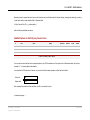
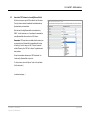
Importing long text (tested with 4000 words and 25,000 characters) is supported following types of jReviews fields: Text Area and Code Enabled
Text Area.
Please Note: all/any formatting, including HTML code and line breaks, will be stripped when importing content into a normal Text Area-type field.
Tip: To preserve formatting, import formatted content into Code Enabled Text Area-type fields in jReviews, or into the Intro Text or Full Text fields for Joomla.
4.7.
HTML Code
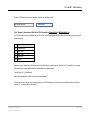
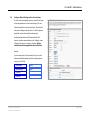
Importing HTML code is supported by following types of jReviews fields: Code Enabled Text Area.
HTML can also be imported into the Joomla Introtext and Fulltext fields.
4.8.
URLs
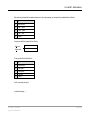
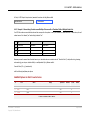
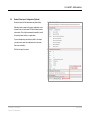
If your CSV file included URLs in the form of “www.company.com” , the link that is generated by jReviews will no go to the correct place. jReviews
will require that you change this to “http://www.company.com” when editing the document
Recommendation: convert all URLs to full URLs in your CSV file before importing.
(continued next page…)
CSV IMPORT :: User Manual
Copyright 2008, NakedJoomla
Page 16 of 21