1
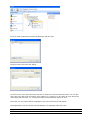
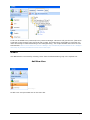
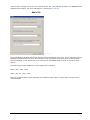
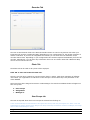
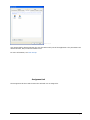
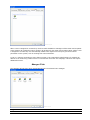
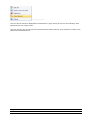
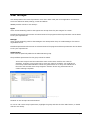
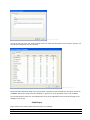
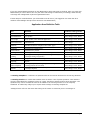
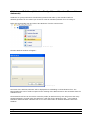
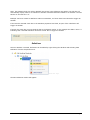
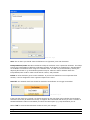
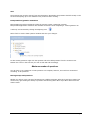
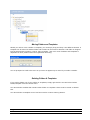
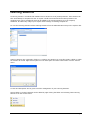
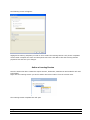
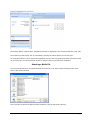
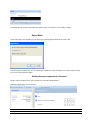
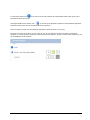
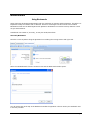
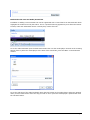
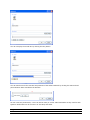
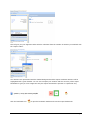
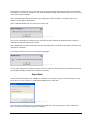
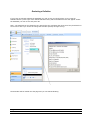
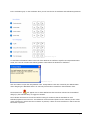
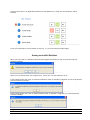
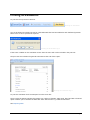
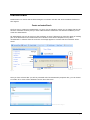
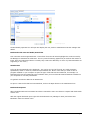
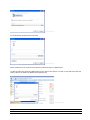
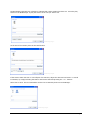
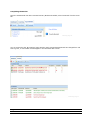
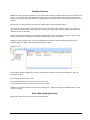
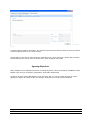
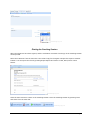
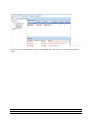
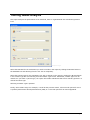
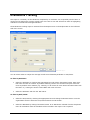
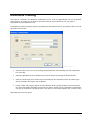
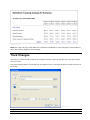
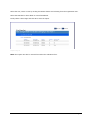
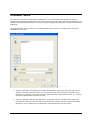
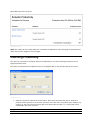
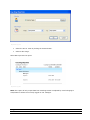
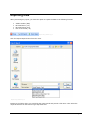
Coaching Fig.3 The Bookmark properties box will open and display the text, audio or attachments that the manager has added. Bookmarks with Text and Audio/Sound-bite Text comment can be augmented with a „sound-bite‟ from the call which highlights the evidence used by the Manager to demonstrate a behavior. This is a powerful learning opportunity as it allows the learner to listen, learn and understand what it is exactly they need to do differently or more of (if the Bookmarks are supporting a „Yes‟ score.) Attachments A file can also be attached to the bookmark - this can be any kind of file such as a word document, spreadsheet, audio or video file, PowerPoint presentation etc. Bear in mind that you need to have a program installed on your computer to open the type of file that has been attached, for example, if a PowerPoint file has been attached to the bookmark then you must have Microsoft PowerPoint installed on your computer to view the presentation. A hyperlink can also be added as an attachment. To open or view the file that has been attached, click on the Open button in the attachments box. Bookmark Response When the Bookmarks and comments have been reviewed the User can choose to respond with bookmarks of their own. With the original bookmark open right click the bookmark icon (Manager‟s name) and select „New Bookmark‟ from the context menu. ASPIRE User Manual 87