1
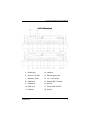
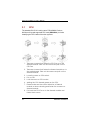
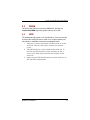
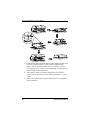
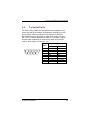
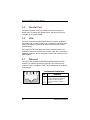
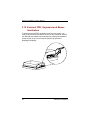
P2127-810 PANEL PC User’s Manual Chapter 3 Hardware Installation This chapter describes the installation and the cable connection to the system connectors. See system board User’s Manual that came with your PANEL PC packaging for more details. Sections in this chapter includes: CPU DRAM HDD 3 x Serial Ports Parallel Port VGA Ethernet Keyboard PS/2 Mouse External FDD Expansion Slot System O/S and Software Installation The P2127-810 has a Pentium M/Celeron M little board with a free PCI slot inside and a 2.5” HDD. These come as standard configuration of the system. Upgrading to a higher performance CPU, higher capacity DRAM modules and hard disk drive can increase system performance. The user can use the I/O ports located at the bottom layer of the chassis to connect external peripheral devices, such as a monitor, serial devices, parallel printer…etc. If you encounter difficulties during connection, loosen the screws on the cable management shroud, then remove the shroud for easy peripheral connection. NOTE: Make sure the power cord is disconnected before any installation. To install any internal device such as CPU, DRAM and HDD, take out the plastic rear cover and unscrew the metal rear bracket first. Hardware Installation 15