1
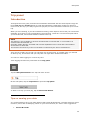
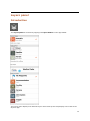
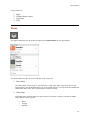
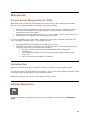
Side panel
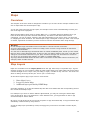
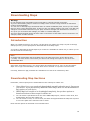
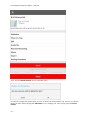
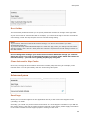
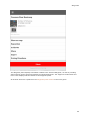
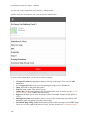
WARNING
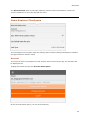
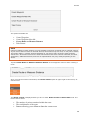
When you delete a track log, it will also be deleted from your Hema Explorer Cloud account
when Cloud Sync is switched on.
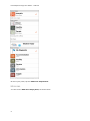
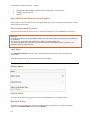
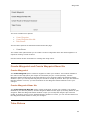
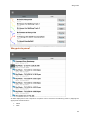
Deleting multiple tracks
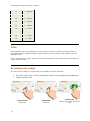
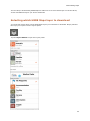
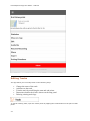
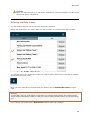
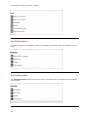
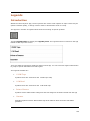
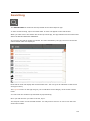
You can delete multiple tracks in one action from the Tracks list.
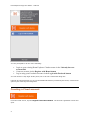
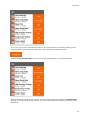
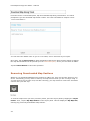
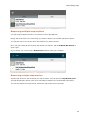
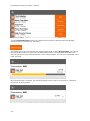
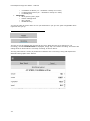
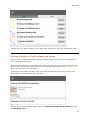
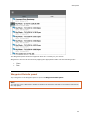
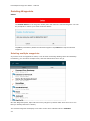
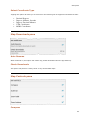
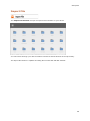
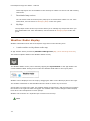
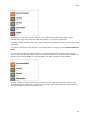
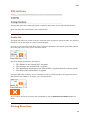
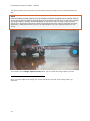
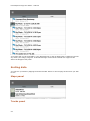
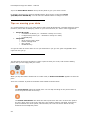
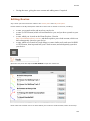
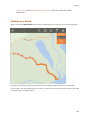
Simply tap-and-hold on one of the tracks you wish to delete. The selected track will be ticked.
You can then tap on any of the other tracks you wish to delete. Each track you tap will be selected,
as indicated by the tick mark.
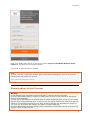
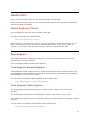
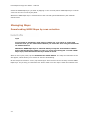
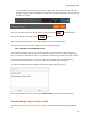
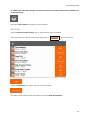
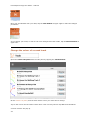
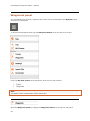
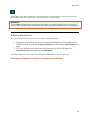
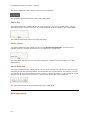
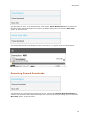
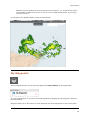
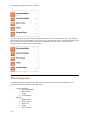
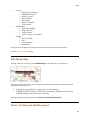
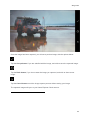
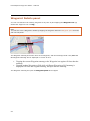
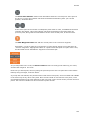
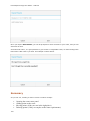
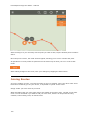
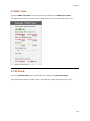
Once you have selected the required tracks for deletion, tap the Rubbish Bin button at upperright.
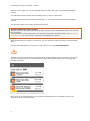
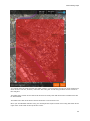
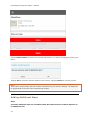
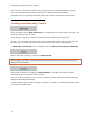
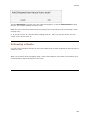
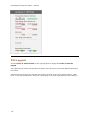
Warning!
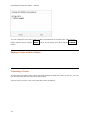
You will NOT receive a confirmation prompt when you tap the Delete button! The selected items
will be deleted immediately. Make sure that you wish to delete this data before you tap the Delete
icon.
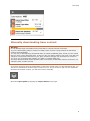
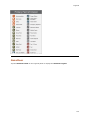
If you change your mind, tap the Done button without making any changes.
48