1
POIs
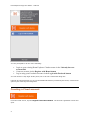
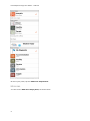
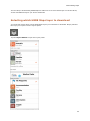
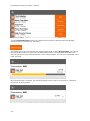
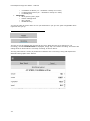
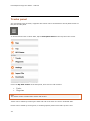
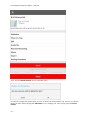
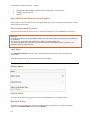
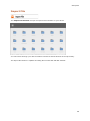
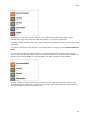
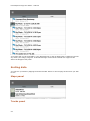
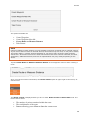
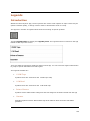
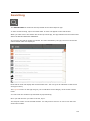
Each section on the panel shows a category. The number shown within the category name
indicates how many sub-categories within that category are currently switched on.
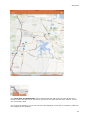
By default, all POI categories are active. That is, POIs will be displayed overlaid on the map for ALL
categories.
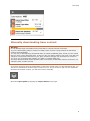
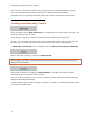
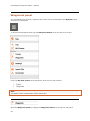
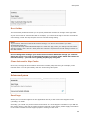
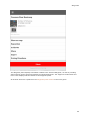
You can turn off specific sub-categories, or ALL POIs within a category from the Point of Interest
panel.
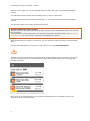
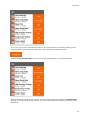
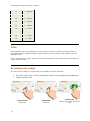
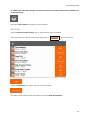
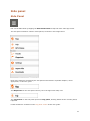
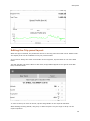
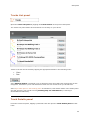
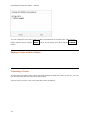
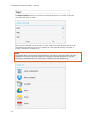
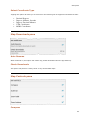
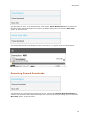
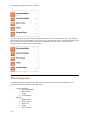
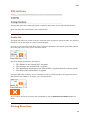
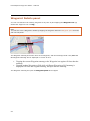
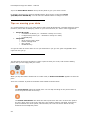
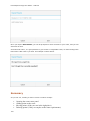
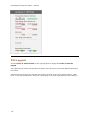
You can toggle the status of each category as a whole by tapping-and-holding on the category
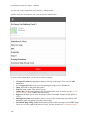
name. In the example shown below, we have switched off all but the Accommodation category, as
shown by the indicator 4 of 4 for Accommodation. The other categories all show 0 of ...
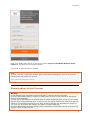
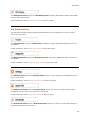
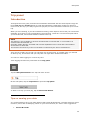
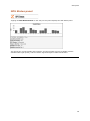
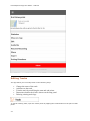
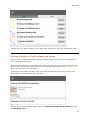
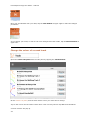
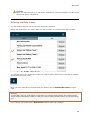
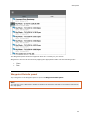
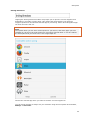
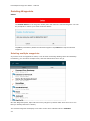
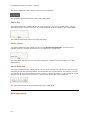
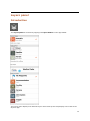
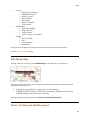
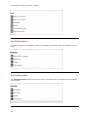
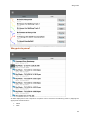
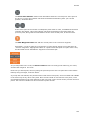
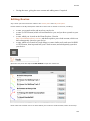
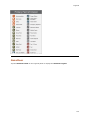
Tapping a category expands that category to show the sub-categories within the category. The
Accommodation sub-categories are shown in the example below. Note that sub-categories which
are switched ON are those marked with a tick.
80