1
Features for Special Forms
Users can take advantage of customized actions on certain forms. This section reviews some commonly
used specialized form features.
Individual Report - Form #28
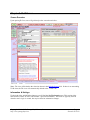
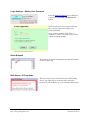
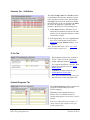
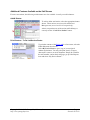
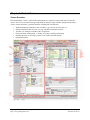
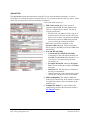
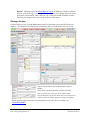
The special features added to this form are ‘Staff Label for Title’, insert ‘EALR/GLE’, ‘Guidance for
IEP’, and ‘Insert Test’
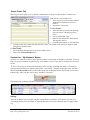
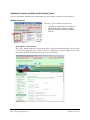
Staff Label for Title
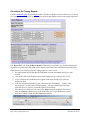
More than one staff member will likely complete an Individual Evaluation report for any given
student. Users can set this label to easily identify which type of staff member has completed the
given form. Selecting a label changes the descriptor field (on the Forms Listing view) in addition
to modifying the title within the form to the selected staff title.
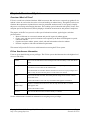
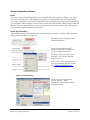
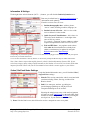
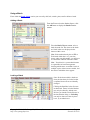
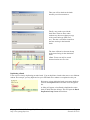
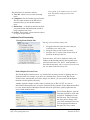
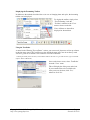
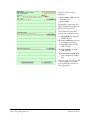
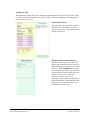
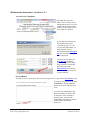
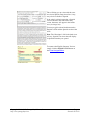
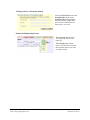
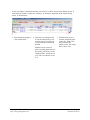
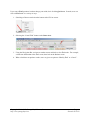
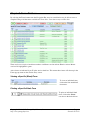
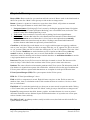
This field does not print, but
allows the user to select the title
for the form. In this case, SLP
was chosen. Other options
include OT/PT, Nurse, etc.
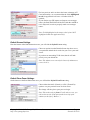
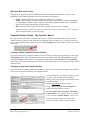
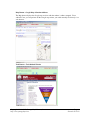
‘EALR/GLE’ button
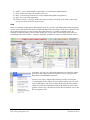
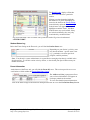
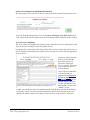
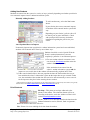
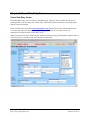
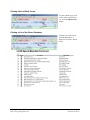
E-Com stores EALR/GLE’s as one type of specialized Text Library. This feature is also available
for the Evaluation Report (4.5) and the IEP Cover (11.2) forms.
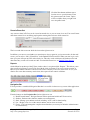
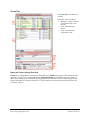
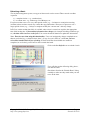
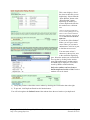
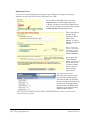
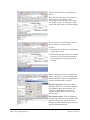
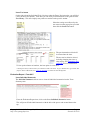
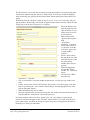
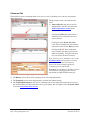
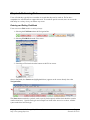
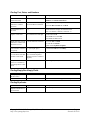
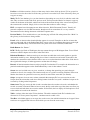
To insert EALRs (Essential
Academic Learning
Requirements) or GLEs (Grade
Level Expectations) into your
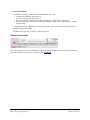
form, click the EALR/GLE
button.
Copyright © 2000-2013, Portage Bay Solutions, Inc.
http://www.portagebay.com
Page 37
Printed: 05/30/13