1
INDTB_02.book Page 63 Friday, April 14, 2006 12:19 PM
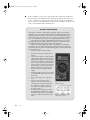
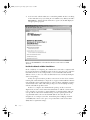
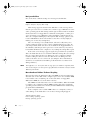
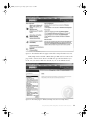
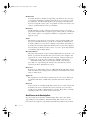
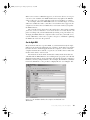
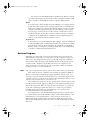
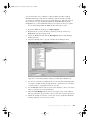
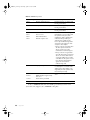
More Information
Additional advice about the cause of the problem and links to other
Knowledge Base articles with related information
Applies To
A list of the Windows versions or other Microsoft products in which the
problem described in this article might occur
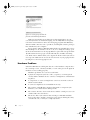
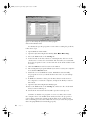
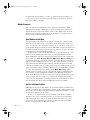
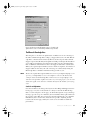
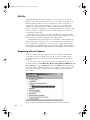
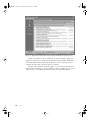
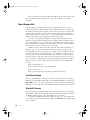
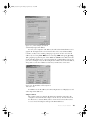
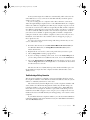
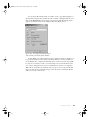
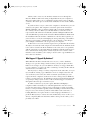
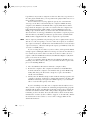
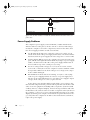
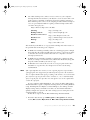
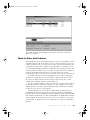
Figure 4-6: Every Knowledge Base article follows the same format.
Look in the Newsgroups
If there’s nothing useful in the Knowledge Base, the next place to look
for help is in the community newsgroups that Microsoft maintains to allow
their users to exchange advice and help (http://support.microsoft.com/
newsgroups). There’s an excellent chance that your question has already
been asked and answered by somebody else facing the same symptoms, but if
not, you can post your own question to a newsgroup and wait for somebody
to send an answer. Hundreds of experienced Windows users and Microsoft
employees monitor the newsgroups, so your question will probably receive
one or more replies within an hour or less.
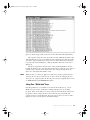
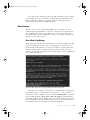
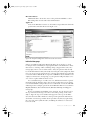
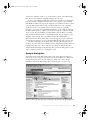
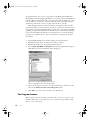
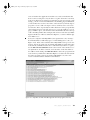
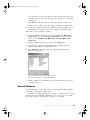
To read old messages or send a new one, drill down from the top-level
menu through the language list to the specific product that you are trying
to work with. Within each product, there’s a submenu of versions and individual topics. For example, questions about Windows XP are located in the
English/Windows/General Discussion/Windows XP Help and Support
newsgroup.
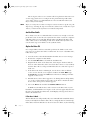
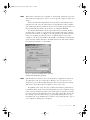
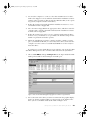
Before you jump in and submit a new question, use the Search tool at
the top of the list of messages to look for an earlier posting on the same
subject. Type the stop error number that appears at the top of the Blue
Screen in the Search For field to look for previous questions and answers
about that error message. If that doesn’t produce any hits, try again using
the exact text of the symbolic name, including the underscore characters
between words.
B la ck Scr een s a nd B lue Scr een s
63