1
SA-PAM-SAN-ATM-ETH
User Manual
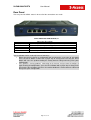
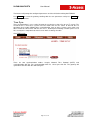
Rear Panel
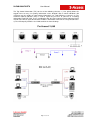
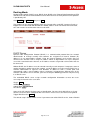
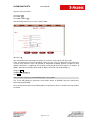
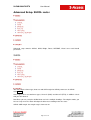
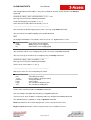
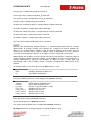
The rear panel of SHDSL router is where all of the connections are made.
SA-DT-SMARTLINK-ATM-4ETH-4W,V2
ETHERNET
MONITOR
xDSL
ND
9VDC
Connectors Description
Ethernet 10/100BaseT for LAN port (1x or 4x RJ-45)
RS- 232C (DB9) for system configuration and maintenance
SHDSL interface for WAN port (RJ-45)
Reset Button
Power adaptor inlet: Input voltage 9VDC
The reset button can be used only in one of two ways.
• When you want to change its configuration but you forget the user name or password,
Press the Reset Button a while with a paper clip or sharp pencil. Pressing the Reset
Button will cause the product loading the factory default setting and losing all of yours
configuration.
• If the product is having problems connecting to the Internet and you want to configure it
again clearing all configurations, press the Reset Button with a paper clip or sharp pencil.
Pressing the Reset Button will cause the product loading the factory default setting and
losing all of yours configuration.
Page 16 of 111